DICOM Sample Catalog
Free Sample DICOM Files
Curated public DICOM studies covering 7 modalities: CT, MRI, X-ray, ultrasound, mammography, PET, and nuclear medicine. All CC-BY licensed (commercial reuse OK with attribution), sourced from NCI Imaging Data Commons. No signup. Click Open in viewer on any tile to load the study in our browser-based viewer.
Updated
What is a DICOM sample file?
A DICOM sample file (also called an example DICOM file or .dcm
test file) is a real medical imaging study, such as a CT, MRI, mammogram,
X-ray, PET, or ultrasound scan, shared publicly for testing, software development,
training, and learning. These example files are de-identified, so they carry no
patient data, and open in any DICOM viewer.
Every study below shows a preview rendered from its own pixel data, so you can see the
DICOM images before you download anything. Open a tile in the browser viewer to scroll the
full series, adjust window and level, and read the header tags, or download the single
.dcm instance to use as a test image in your own software.
Which .dcm file do you need?
Every study downloads two ways: one .dcm instance, or the whole
series as a .zip. Single files run 25 KB to 76 MB
and the series total 1,682 instances, so the right
download depends on what you are exercising.
- Parsing and tag handling
One
.dcmis enough. The smallest here is 25 KB (Prostate MRI: SPIE-AAPM PROSTATEx Challenge), which still carries a full header, so it exercises tag parsing and transfer syntax without a long download. - Slice scrolling and reconstruction
Take the
.zip. The deepest series is 276 instances (Bone PET: NaF PROSTATE Total-Body Scan), enough to test stack navigation, window/level across a volume, and multiplanar reconstruction. - Large transfers and multi-frame
The heaviest single file is 76 MB (Liver Ultrasound: B-mode Liver Mass Study). Multi-frame ultrasound puts a whole cine loop in one object, which is where naive readers and upload limits tend to give way.
Browse the catalog
28 representative studies across 7 modalities. Every tile deep-links into the viewer with the study pre-selected on the worklist. One click and you’re reviewing real DICOM data.
CT Scan DICOM Files
Computed-tomography studies are multi-slice volumetric scans reconstructed from X-ray projections. These samples are real axial series, ideal for testing slice scrolling, Hounsfield window/level, and multiplanar reconstruction. Open one in the browser viewer to step through the stack.
- IOD
- CT Image
- Modules
- 25 · 11 required
- SOP Class UID
- 1.2.840.10008.5.1.4.1.1.2
- In this catalog
- 4 studies
- Single file
- ~514 KB
- Series depth
- 101 to 250 instances
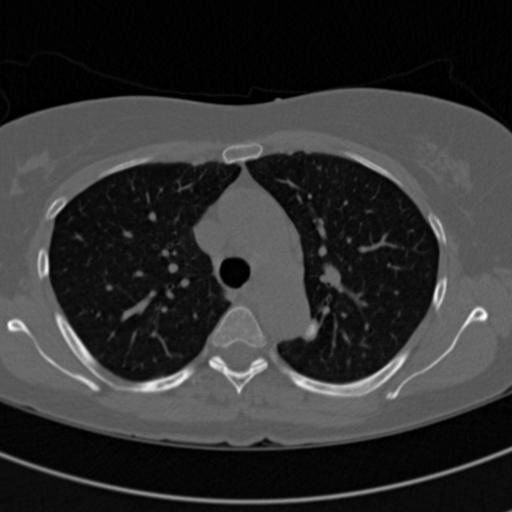
Chest CT: NLST Lung Cancer Screening
Chest CT of Chest / Lungs.Single-volume thin-slice chest CT from the NLST low-dose lung screening cohort, roughly 150 axial slices. Demonstrates volumetric viewing, multiplanar reconstruction (MPR), and window/level presets.
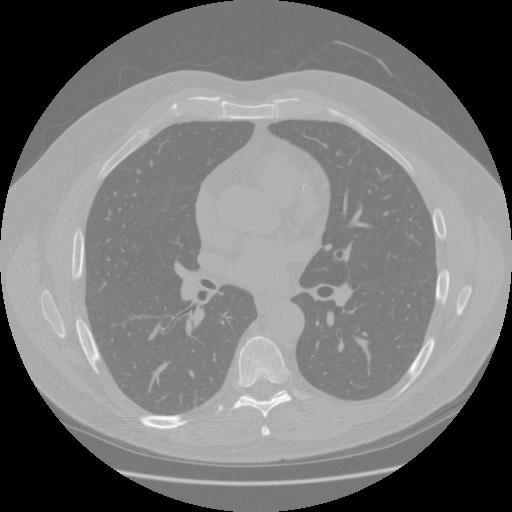
Chest CT: LIDC-IDRI Lung Nodule Study
Chest CT of Chest / Lungs.Diagnostic chest CT from the LIDC-IDRI reference database, a thin-slice volume of roughly 250 axial images used widely for lung-nodule detection research. Demonstrates volumetric scrolling, MPR, and lung/mediastinum window presets.
Source: LIDC-IDRI (Lung Image Database Consortium) · View on TCIA
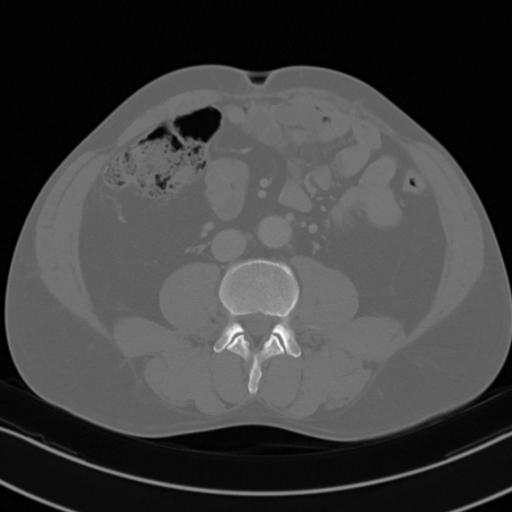
Abdominal CT: C4KC-KiTS Kidney Study
Abdominal CT of Abdomen / Kidneys.Contrast-enhanced (arterial-phase) abdominal CT from the KiTS kidney tumor cohort, a renal-focused volume of roughly 100 axial slices. Demonstrates contrast-phase viewing, MPR, and soft-tissue windowing.
Source: C4KC-KiTS (Kidney Tumor Segmentation Challenge) · View on TCIA
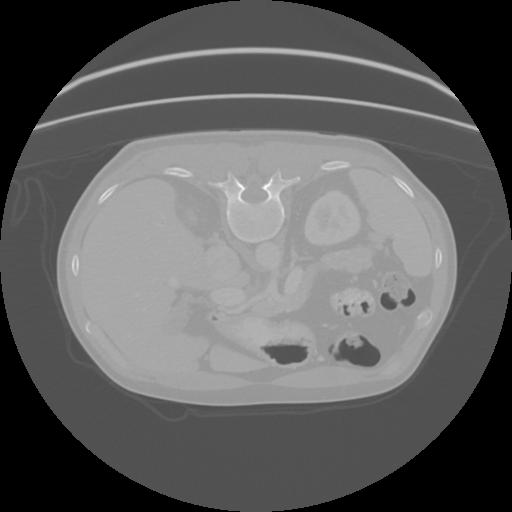
Pancreatic CT: Pancreas-CT Reference Study
Abdominal CT of Abdomen / Pancreas.Contrast-enhanced abdominal CT centered on the pancreas, a thin-slice volume of roughly 200 axial images from the NIH reference set. Demonstrates high-resolution volumetric viewing, MPR, and soft-tissue windowing of upper-abdominal anatomy.
Source: Pancreas-CT · View on TCIA
MRI DICOM Files
Magnetic-resonance studies capture rich soft-tissue contrast across multiple sequences (T1, T2, FLAIR). These multi-frame volumetric series are good for testing sequence navigation, window/level, and multi-series handling. View a study in your browser, or inspect its headers with the tag editor.
- IOD
- MR Image
- Modules
- 23 · 11 required
- SOP Class UID
- 1.2.840.10008.5.1.4.1.1.4
- In this catalog
- 4 studies
- Single file
- 25 KB to 131 KB
- Series depth
- 36 to 90 instances
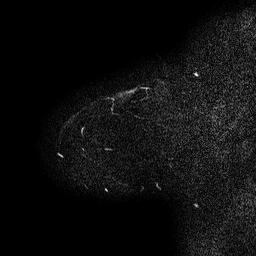
Breast MRI: I-SPY 1 Trial
Breast MRI of Breast.Sagittal breast MRI series from the I-SPY 1 / ACRIN 6657 breast cancer trial. Demonstrates volumetric MR scrolling, multiplanar reconstruction (MPR), and soft-tissue window/level review.
Source: ISPY1 · View on TCIA
Prostate MRI: SPIE-AAPM PROSTATEx Challenge
Prostate MRI of Prostate.Diffusion-weighted (DWI) prostate MR series from the multi-parametric SPIE-AAPM PROSTATEx challenge. Demonstrates functional/diffusion MR viewing, MPR, and window/level review.
Source: SPIE-AAPM PROSTATEx · View on TCIA
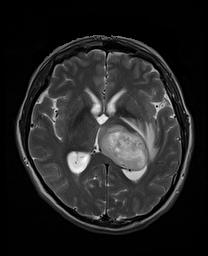
Brain MRI: UPENN-GBM Glioblastoma Study
Brain MRI of Brain.Multi-parametric brain tumor MRI from the UPENN-GBM glioblastoma cohort, an axial T2 series used for tumor characterization. Demonstrates neuro MR viewing, MPR, and segmentation context.
Source: UPENN-GBM (Glioblastoma at the University of Pennsylvania) · View on TCIA
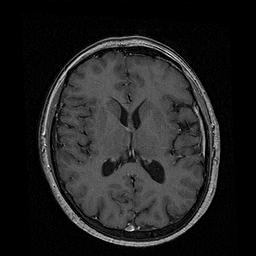
Head MRI: Vestibular Schwannoma Routine MRI
Head MRI of Head / Brain.Routine clinical brain MRI from a multi-center vestibular schwannoma dataset, a contrast T1 series acquired for treatment planning. Demonstrates thin-slice neuro MR viewing and MPR.
Source: Vestibular-Schwannoma-MC-RC · View on TCIA
Ultrasound DICOM Samples
Ultrasound studies are often multi-frame cine loops or single sector images, sometimes with color-flow overlays. These samples are great for testing cine playback, frame stepping, and ultrasound photometric handling. New to the format? See how to view .dcm files.
- IOD
- Ultrasound Image
- Modules
- 25 · 9 required
- SOP Class UID
- 1.2.840.10008.5.1.4.1.1.6.1
- In this catalog
- 4 studies
- Single file
- 771 KB to 76 MB
- Series depth
- 1 to 43 instances
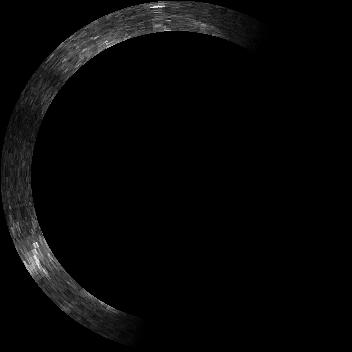
Prostate Ultrasound: MRI-Targeted Biopsy
Ultrasound of Prostate.Trans-rectal ultrasound from a multi-modal MR/US fusion biopsy cohort. Demonstrates ultrasound rendering and the multi-modality workflow of correlating MR + US imaging.
Source: Prostate-MRI-US-Biopsy · View on TCIA
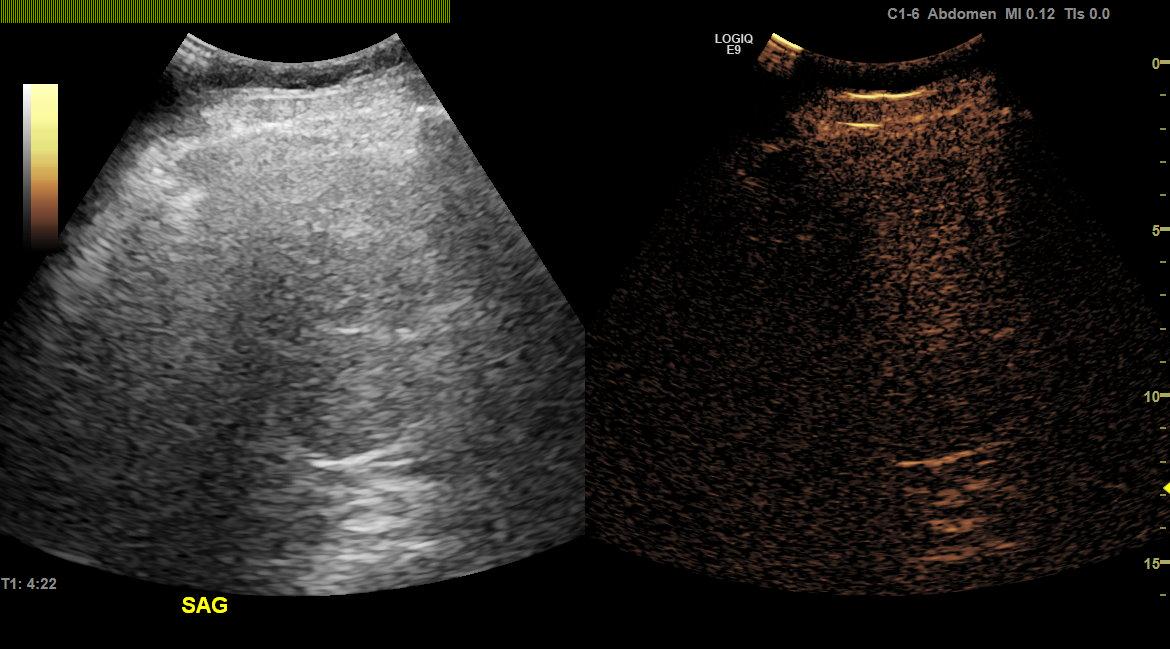
Liver Ultrasound: B-mode Liver Mass Study
Ultrasound of Abdomen / Liver.B-mode abdominal ultrasound of a liver mass from a contrast-enhanced ultrasound study set. Demonstrates ultrasound cine playback and grayscale image rendering.
Source: Ultrasound data of a variety of liver masses (B-mode-and-CEUS-Liver) · View on TCIA
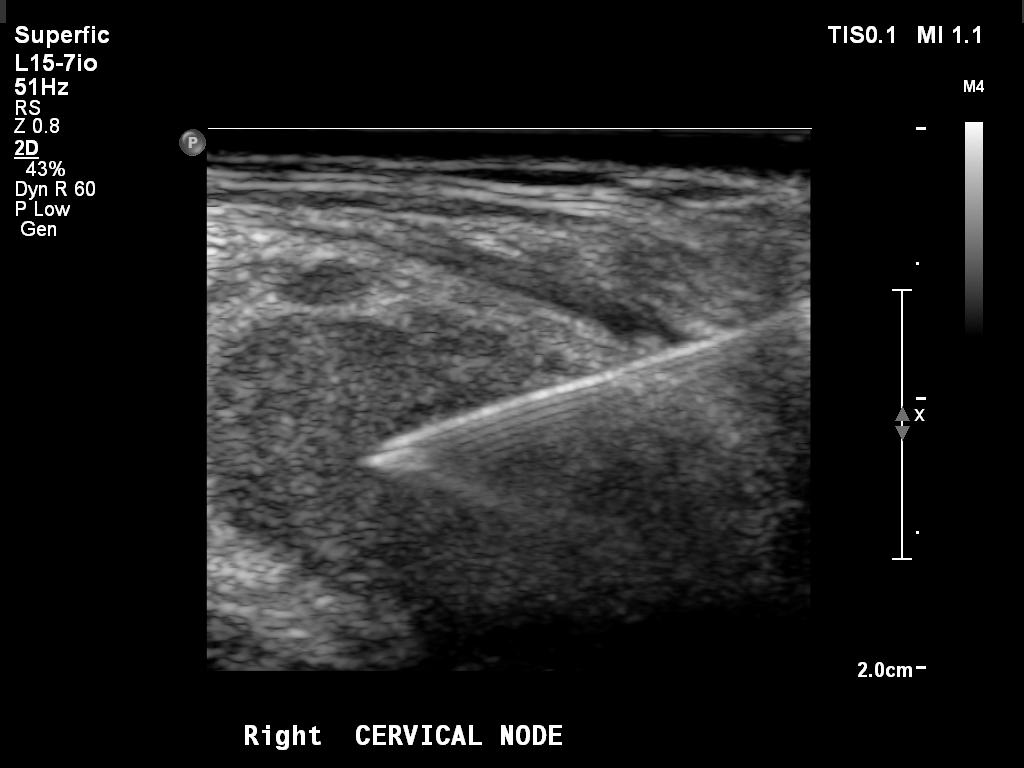
Lymph Node Ultrasound: CMB-LCA Biopsy Guidance
Ultrasound of Neck / Lymph Node.Ultrasound from a guided superficial lymph-node biopsy in the Cancer Moonshot Biobank lung cancer cohort. Demonstrates interventional ultrasound cine review and image-guided procedure context.
Source: Cancer Moonshot Biobank - Lung Cancer Collection (CMB-LCA) · View on TCIA
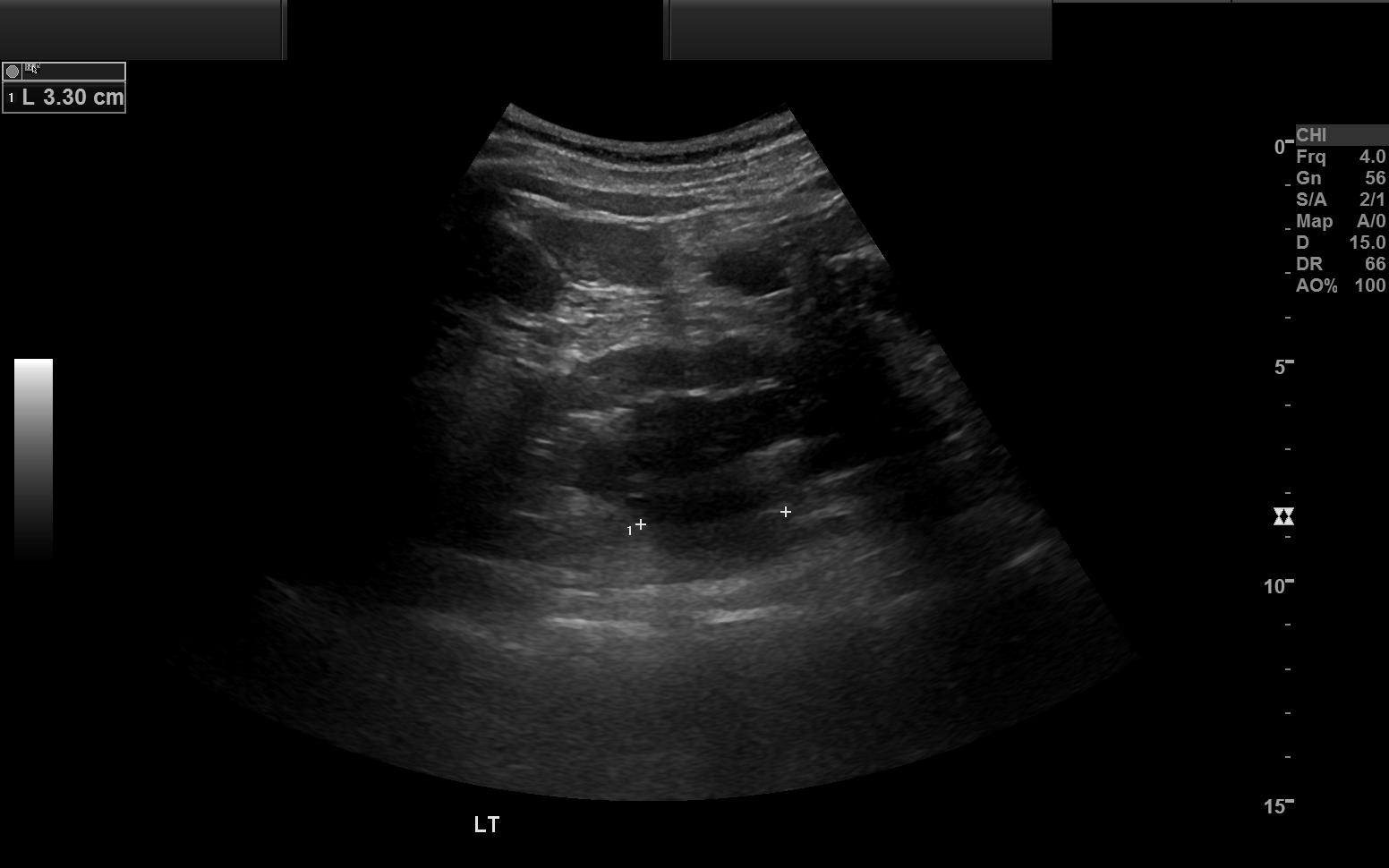
Renal Ultrasound: CMB-CRC Kidney Study
Ultrasound of Abdomen / Kidneys.Complete renal ultrasound exam from the Cancer Moonshot Biobank colorectal cancer cohort. Demonstrates multi-frame ultrasound review and grayscale abdominal imaging.
Source: Cancer Moonshot Biobank - Colorectal Cancer Collection (CMB-CRC) · View on TCIA
X-ray DICOM Images
Digital radiography (DX/CR) produces large single-frame projection images: the smallest, fastest .dcm samples to download and a quick way to test rendering, thumbnails, and window/level. New here? Start with what is a DICOM file, or inspect one in the DICOM validator.
- IOD
- Digital X-Ray Image
- Modules
- 35 · 12 required
- SOP Class UID
- 1.2.840.10008.5.1.4.1.1.1.1
- In this catalog
- 4 studies
- Single file
- 6.7 MB to 15 MB
- Series depth
- 1 to 2 instances
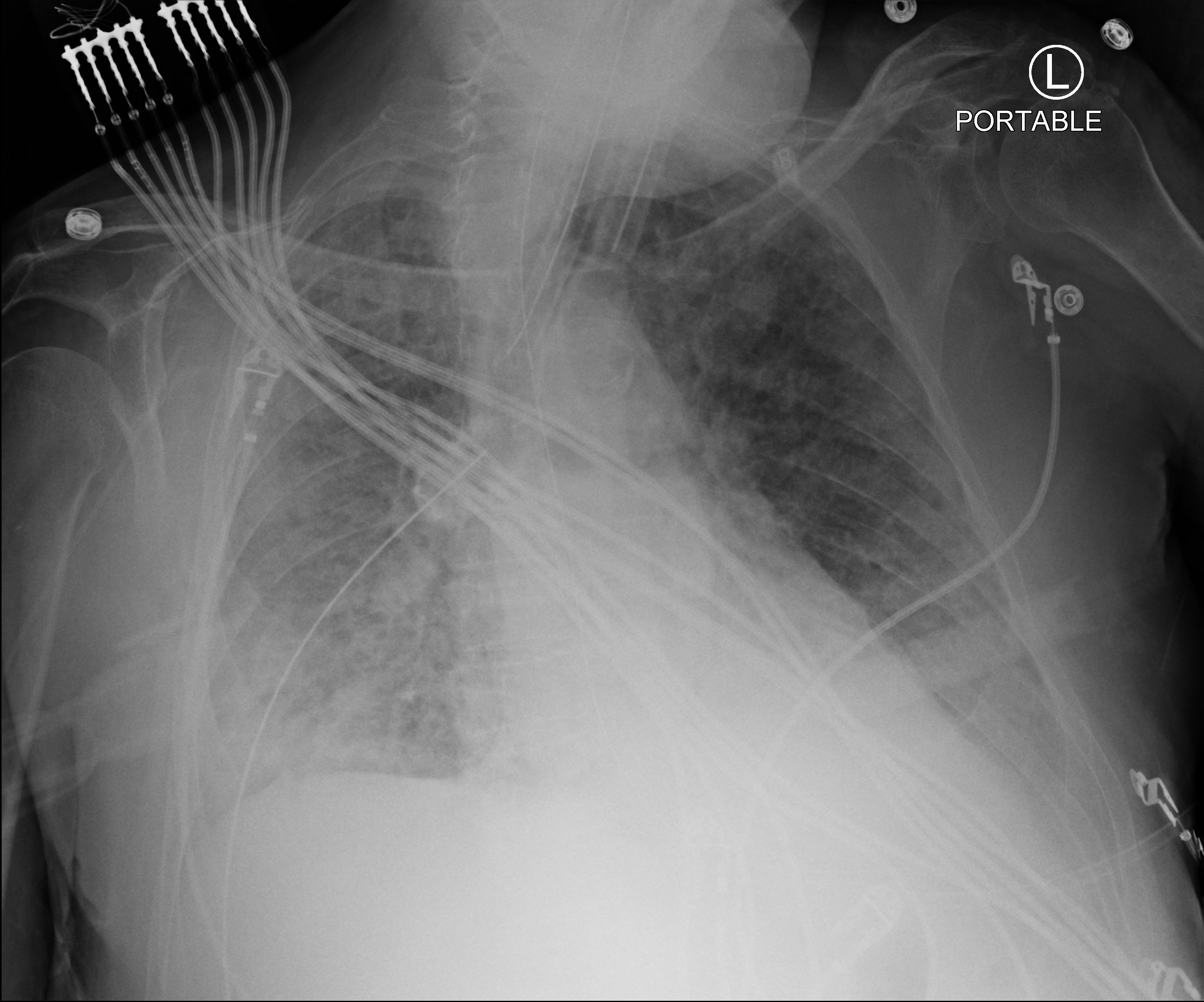
Chest X-ray: Stony Brook COVID-19 Study
Chest X-ray of Chest.AP chest radiograph (computed radiography) from the Stony Brook COVID-19 positive-case cohort. Demonstrates single-image 2D X-ray viewing, zoom, pan, and window/level.
Source: Stony Brook University COVID-19 Positive Cases (COVID-19-NY-SBU) · View on TCIA
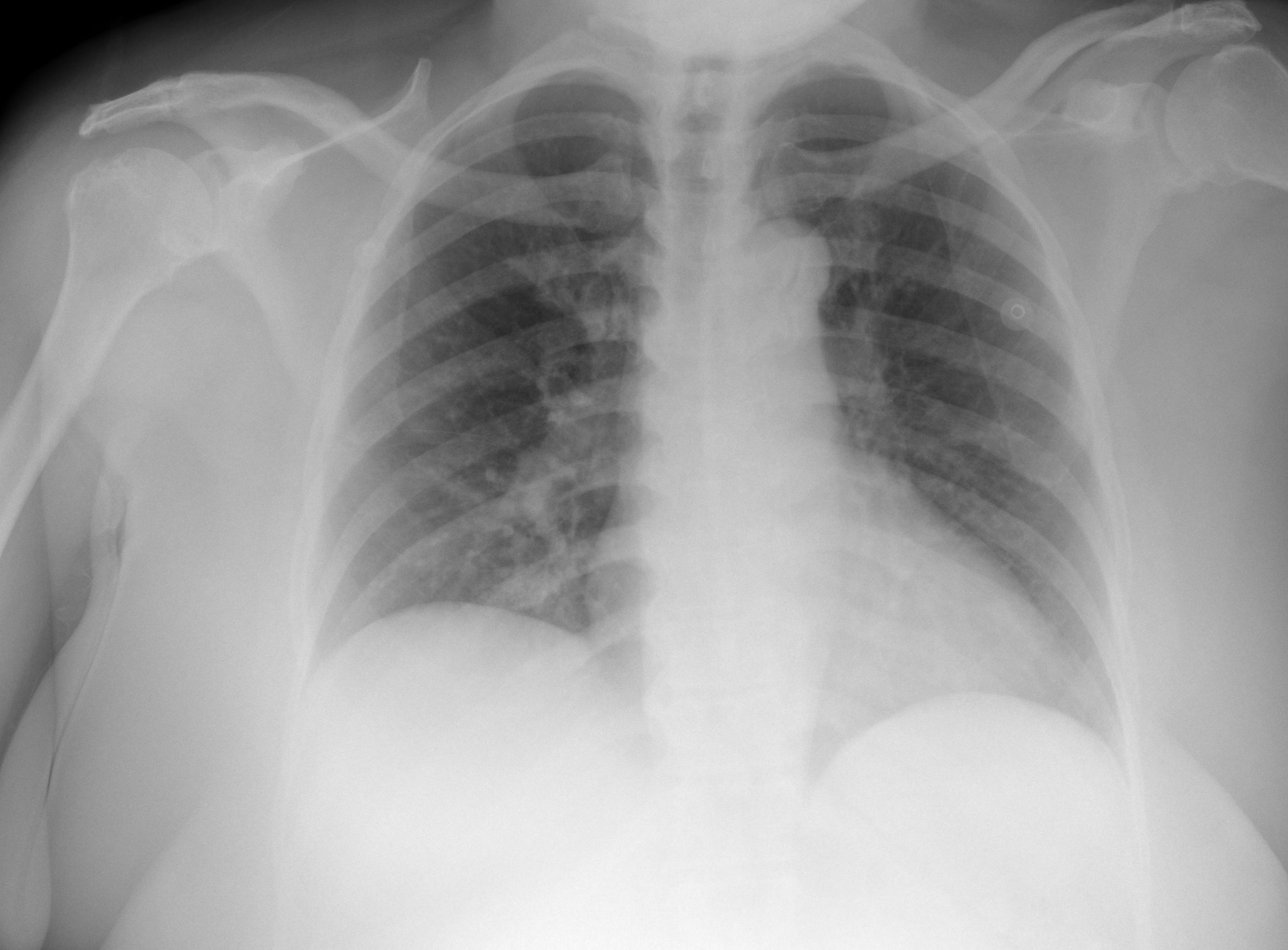
Chest X-ray: Rural COVID-19 Population Study
Chest X-ray of Chest.Portable AP chest radiograph (digital X-ray) from a rural COVID-19 positive population. Demonstrates digital radiography viewing with presentation-state rendering.
Source: COVID-19-AR (Chest Imaging of a Rural COVID-19 Population) · View on TCIA
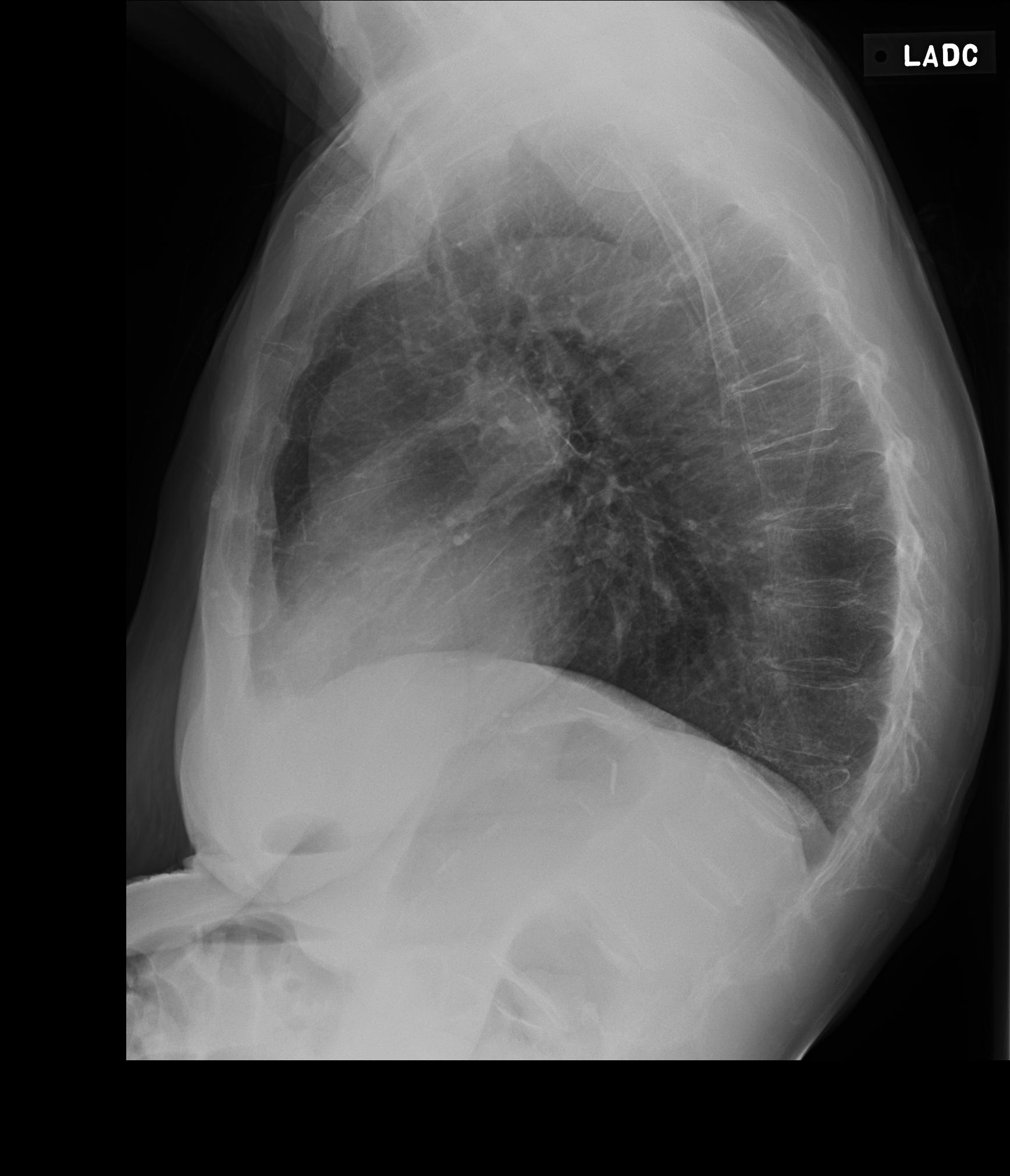
Chest X-ray: LIDC-IDRI PA & Lateral Study
Chest X-ray of Chest.PA and lateral chest radiographs (digital X-ray) from the LIDC-IDRI reference database. Demonstrates two-view 2D X-ray comparison and presentation-state rendering.
Source: LIDC-IDRI (Lung Image Database Consortium) · View on TCIA
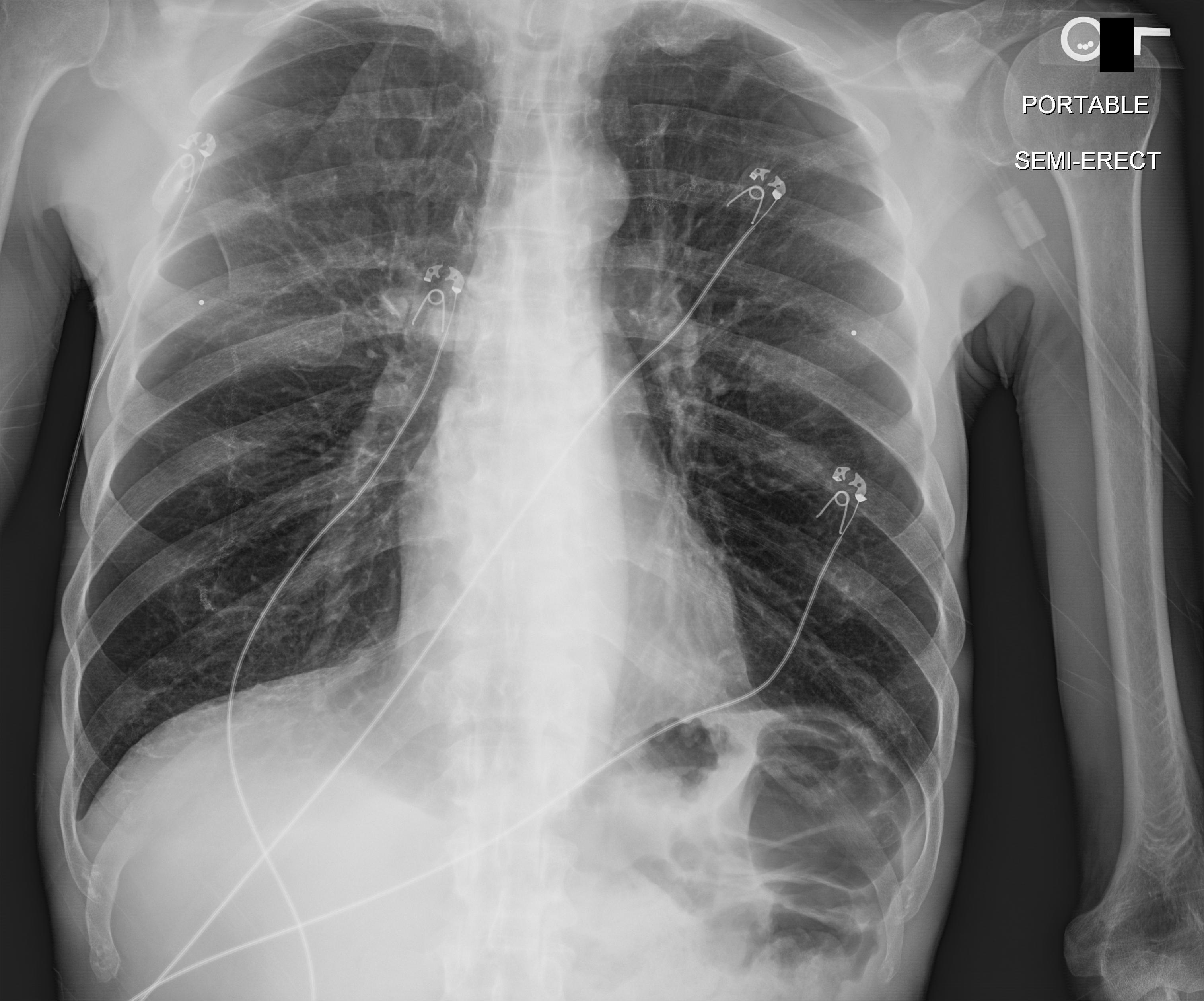
Chest X-ray: VAREPOP-APOLLO Oncology Study
Chest X-ray of Chest.Single-view AP chest radiograph from the VA precision-oncology APOLLO research network. Demonstrates single-image 2D X-ray viewing and grayscale window/level adjustment.
Source: VA Research Precision Oncology Program - APOLLO (VAREPOP-APOLLO) · View on TCIA
Mammography DICOM Files
Mammography (MG) studies are high-resolution single-frame breast images, usually in standard views (CC, MLO) with high bit depth. These samples exercise high-dynamic-range rendering and presentation handling. Open one in the viewer to inspect the full-resolution image.
- IOD
- Digital Mammography X-Ray Image
- Modules
- 37 · 15 required
- SOP Class UID
- 1.2.840.10008.5.1.4.1.1.1.2
- In this catalog
- 4 studies
- Single file
- 292 KB to 14 MB
- Series depth
- 2 to 25 instances
Mammography: CBIS-DDSM Mass Test Set
Mammography of Breast.Standardized digital mammography (CC view) from the CBIS-DDSM benchmark set. Demonstrates 2D high-resolution viewing, zoom, and pan.
Source: CBIS-DDSM (Curated Breast Imaging Subset of DDSM) · View on TCIA
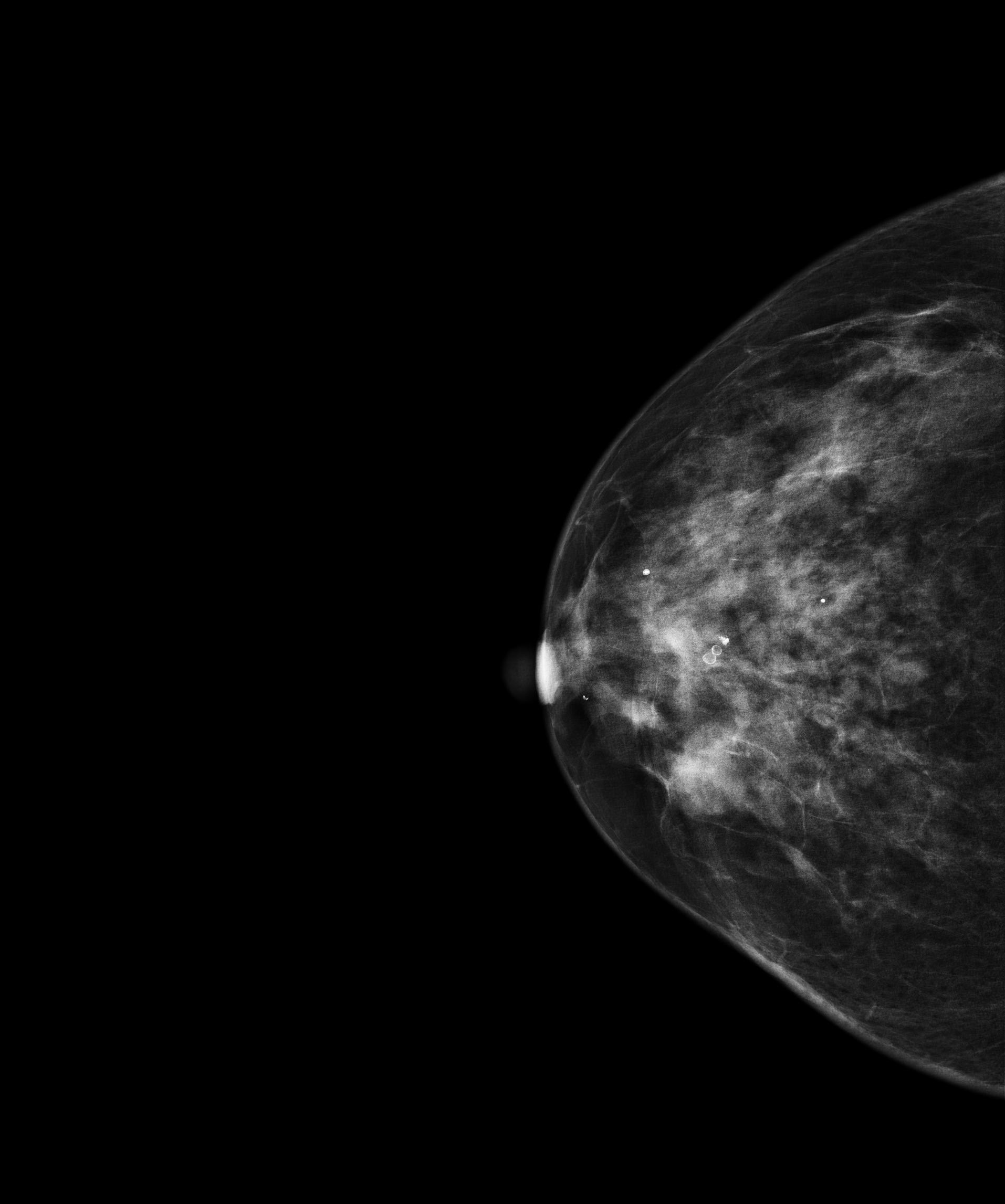
Mammography: CMMD Chinese Mammography Database
Mammography of Breast.Full-field digital mammography from the CMMD biopsy-confirmed database, with standard CC and MLO projections. Demonstrates multi-view 2D mammography viewing and high-resolution zoom.
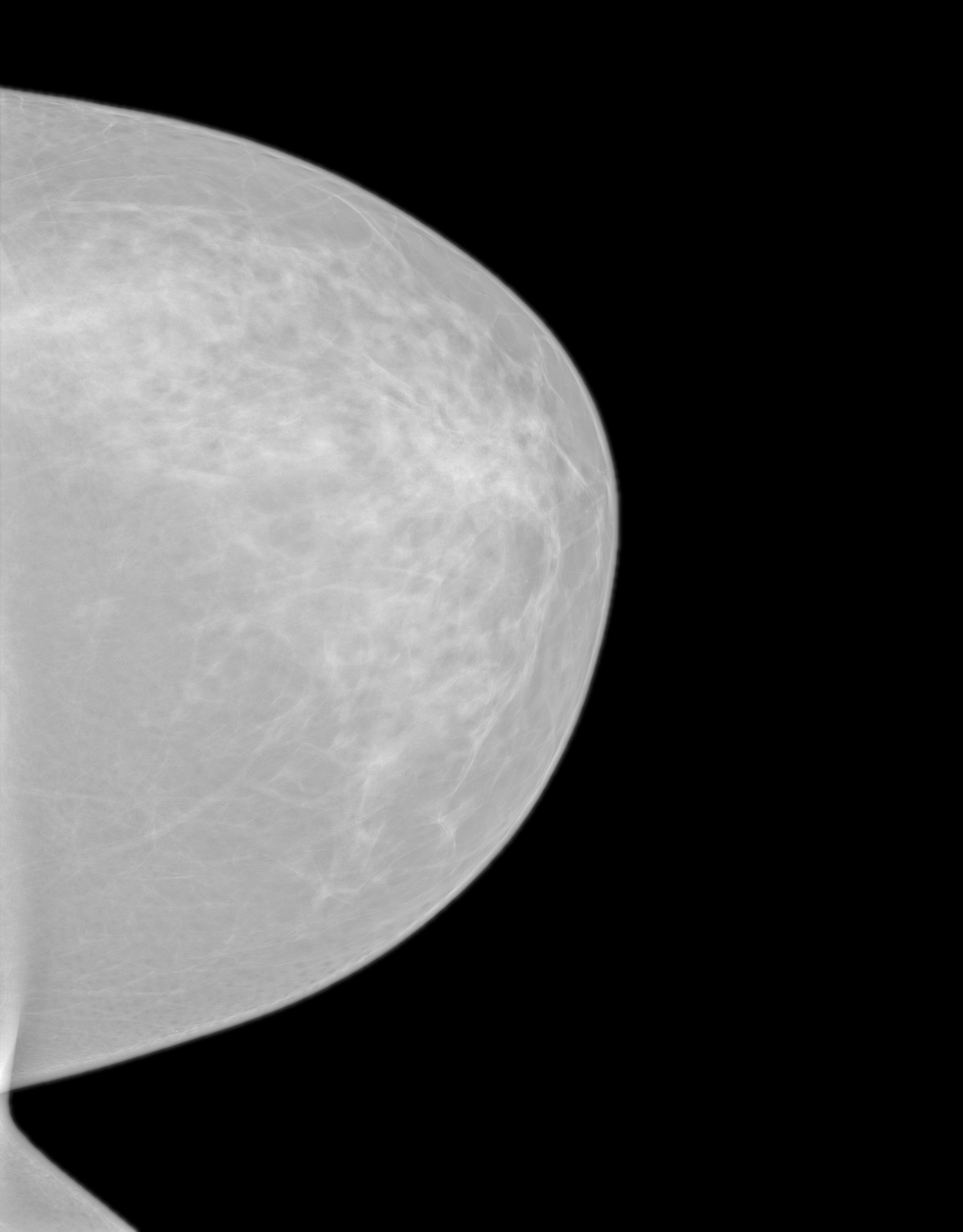
Mammography: EA1141 Dense-Breast Screening
Mammography of Breast.Bilateral screening mammography from the EA1141 dense-breast trial. Demonstrates standard digital mammography viewing alongside the trial's tomosynthesis context.
Source: EA1141 (Abbreviated Breast MRI and Digital Tomosynthesis Mammography) · View on TCIA
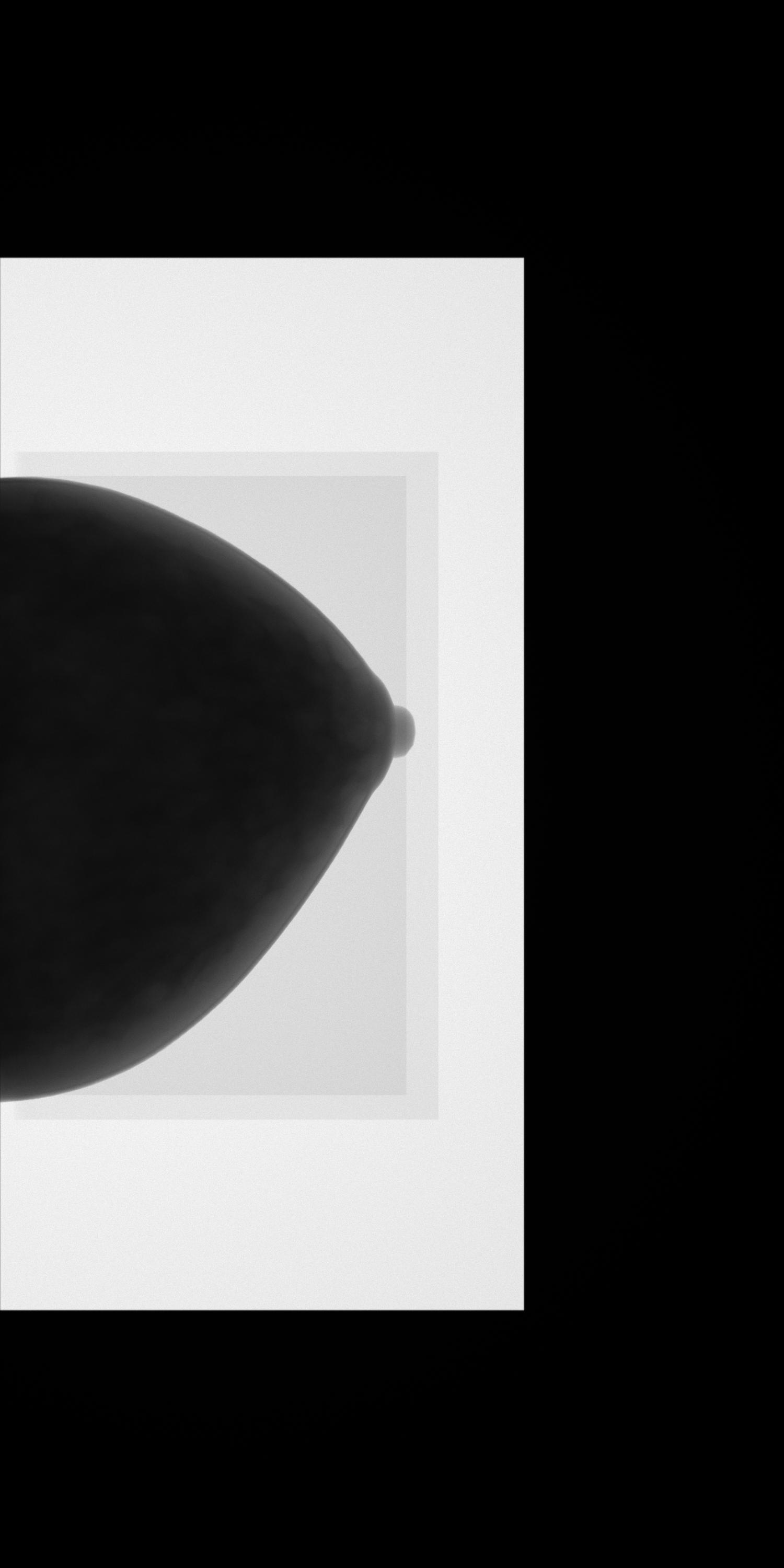
Mammography: VICTRE In-Silico Tomosynthesis
Mammography of Breast.Simulated digital breast tomosynthesis projection set from the VICTRE in-silico clinical trial. Demonstrates tomosynthesis projection scrolling and synthetic mammography rendering.
Source: VICTRE (Virtual Imaging Clinical Trial for Regulatory Evaluation) · View on TCIA
PET and PET/CT DICOM Samples
PET studies are functional volumetric scans showing metabolic uptake, most often paired with CT as PET/CT. These samples help test multi-series studies, fused display, and SUV handling. Open one in the browser viewer, or see how PET data moves through a DICOM query/retrieve workflow.
- IOD
- Positron Emission Tomography Image
- Modules
- 27 · 14 required
- SOP Class UID
- 1.2.840.10008.5.1.4.1.1.128
- In this catalog
- 4 studies
- Single file
- 35 KB to 131 KB
- Series depth
- 47 to 276 instances
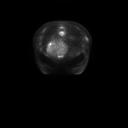
Breast PET: QIN-Breast Quantitative Imaging
PET of Breast / Whole Body.Attenuation-corrected FDG-PET volume from the Quantitative Imaging Network breast cohort. Demonstrates volumetric PET scrolling, SUV-based uptake review, and grayscale/inverted PET presentation.
Source: QIN-Breast · View on TCIA
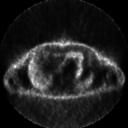
Whole-Body PET: ACRIN 6668 NSCLC FDG-PET
PET of Whole Body / Lung.Whole-body FDG-PET from the ACRIN 6668 non-small cell lung cancer trial. Demonstrates volumetric PET scrolling, SUV viewing, and inverted-grayscale presentation.
Source: ACRIN-NSCLC-FDG-PET (ACRIN 6668 Trial) · View on TCIA
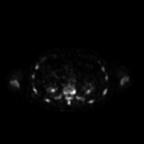
Bone PET: NaF PROSTATE Total-Body Scan
PET of Whole Body / Skeleton.F-18 NaF total-body bone PET from a prostate cancer cohort, used to assess skeletal metastases. Demonstrates whole-body PET scrolling and SUV-based bone-uptake review.
Source: NaF PROSTATE · View on TCIA
Chest PET: RIDER Lung PET-CT Test-Retest
PET of Chest / Torso.Reconstructed chest FDG-PET from the RIDER test-retest reproducibility cohort. Demonstrates PET volumetric viewing and SUV review for quantitative imaging workflows.
Source: RIDER Lung PET-CT · View on TCIA
Nuclear Medicine DICOM Samples
Nuclear-medicine (NM) studies capture gamma-camera images of radiotracer distribution: planar scintigraphy and multi-frame dynamic series. These samples test NM-specific multi-frame handling. Learn how PACS stores and routes nuclear-medicine studies.
- IOD
- Nuclear Medicine Image
- Modules
- 35 · 15 required
- SOP Class UID
- 1.2.840.10008.5.1.4.1.1.20
- In this catalog
- 4 studies
- Single file
- 260 KB to 8.3 MB
- Series depth
- 1 to 5 instances
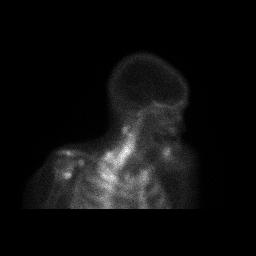
Bone Scintigraphy: CMB-PCA Nuclear Medicine
Nuclear Medicine of Whole Body / Skeleton.Planar bone scintigraphy (static views) from the Cancer Moonshot Biobank prostate cancer cohort. Demonstrates planar nuclear-medicine viewing and intensity-window adjustment.
Source: Cancer Moonshot Biobank - Prostate Cancer Collection (CMB-PCA) · View on TCIA
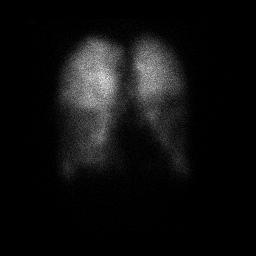
Lung Perfusion Scan: CMB-LCA Nuclear Medicine
Nuclear Medicine of Chest / Lungs.Planar lung perfusion scintigraphy (anterior/posterior views) from the Cancer Moonshot Biobank lung cancer cohort. Demonstrates multi-frame planar nuclear-medicine image review.
Source: Cancer Moonshot Biobank - Lung Cancer Collection (CMB-LCA) · View on TCIA
Lung Nuclear Medicine: ACRIN 6668 Thorax Scan
Nuclear Medicine of Chest / Lungs.Planar lung nuclear-medicine imaging from the ACRIN 6668 non-small cell lung cancer trial. Demonstrates planar NM viewing within a multi-modality PET/CT workup.
Source: ACRIN-NSCLC-FDG-PET (ACRIN 6668 Trial) · View on TCIA
Myocardial Perfusion: VAREPOP-APOLLO SPECT
Nuclear Medicine of Heart.Gated myocardial perfusion SPECT reconstruction from the VA precision-oncology APOLLO cohort. Demonstrates cardiac nuclear-medicine image review and intensity windowing.
Source: VA Research Precision Oncology Program - APOLLO (VAREPOP-APOLLO) · View on TCIA
How to open a DICOM sample file
- Choose a study: pick a sample from the catalog by modality.
- Download or open in the viewer: download the
.dcminstance or the full.zip, or click Open in viewer to view it in the browser. - Review it: explore the study in the viewer (pan, zoom, window/level, and step through series and frames), or open a downloaded
.dcmor.zipin any desktop DICOM viewer.
Moving these files between real systems
A sample file opened in a viewer is one file on one machine. In a hospital the
same study has to be ordered before it exists, routed to an archive once it does,
and matched back to the order it came from. That round trip is where most imaging
integration work actually happens, and none of it is visible in a single
.dcm.
About this catalog
Saga IT curates CC-BY-licensed studies from
NCI Imaging Data Commons
and hosts them here for direct download. Each study was downloaded from IDC’s
public data buckets and is redistributed under its original Creative Commons Attribution
license (CC BY 3.0 or 4.0). The source collection is linked on every tile, and the full
data citation is bundled inside each study’s series.zip as a CITATION.txt file.
The 28 studies in this catalog are a hand-curated subset selected to represent clinically interesting examples across 7 modalities. For the full IDC archive (over 85,000 studies), use the browser-based DICOM viewer or query IDC directly via their DICOMweb endpoint.
Sample DICOM Files FAQ
What is a DICOM file?
A DICOM file (.dcm) is the standard format for medical images. It bundles the image pixels (from a CT, MRI, X-ray, ultrasound, or PET scan) together with a metadata header describing the patient, study, and acquisition settings, so the image stays correctly identified across any imaging system. DICOM stands for Digital Imaging and Communications in Medicine.
Where can I download free DICOM sample files?
You can download free DICOM sample files directly from this catalog: 28 curated studies across 7 modalities, all CC-BY licensed and free for commercial use with attribution, sourced from NCI Imaging Data Commons. Each study offers a single .dcm instance and a full-series .zip.
Can I use these samples commercially?
Yes, every sample in this catalog is CC-BY licensed (Creative Commons Attribution 3.0 or 4.0), which permits commercial use with attribution. We exclude non-commercial (CC BY-NC) collections from the catalog. Cite the original collection per the attribution shown on each tile.
What is the difference between DICOM and DCM?
There is no real difference. DICOM and DCM refer to the same thing. DICOM is the medical-imaging standard; .dcm is the file extension for files saved in that format. Some DICOM files use .dicom or no extension at all.
How do I open a DICOM (.dcm) file?
Open a .dcm file with a DICOM viewer. Standard photo apps cannot read it. The fastest option is a browser-based viewer: click Open in viewer on any sample above, no install required. Desktop alternatives include MicroDicom, Horos, and Weasis.
What is the difference between a DICOM image and a JPEG?
A JPEG holds only compressed pixels. A DICOM image holds the pixels (usually 12 to 16 bits per sample, far more than the 8 bits in a JPEG) plus a header that records the study, series, equipment, and image geometry, so a viewer can window, measure, and stack it correctly. JPEG is for sharing a picture; DICOM is for diagnosis and interoperability. See the DICOM file format guide for the header layout.
How do I convert a DICOM file to JPG or PNG?
Open the study in the browser viewer and use the capture tool to save the current view as an image, or export from any desktop DICOM viewer. For batch conversion, use a library such as pydicom with Pillow, or DCMTK’s dcmj2pnm. The export keeps the window and level you chose and drops the header, so keep the original .dcm if you need the metadata.
Do you have brain tumor, dental, or ECG DICOM samples?
Brain tumor: yes. The Brain MRI: UPENN-GBM study is a glioblastoma case. Dental CBCT and 12-lead ECG waveform objects are not in this catalog; TCIA and the pydicom project publish open examples of those, and the viewer opens any DICOM file you already have.
Are these DICOM sample files anonymized and safe to use?
Yes, every DICOM sample file in this catalog is de-identified per HIPAA Safe Harbor before entering the archive. The patient identifiers visible in the metadata are randomized study IDs (e.g. 172205^LSS), not real patient data.
How big are these files?
Single-frame studies (X-ray, mammography) are typically 1–15 MB. Multi-frame volumetric studies (CT, MR, PET) range from 30 MB to several hundred MB depending on slice count and resolution. Each tile shows the exact size of both the single-instance .dcm and the full-series .zip before you download. If you open a study in the browser viewer instead, it streams data lazily via WADO-RS, so the viewer loads instantly without fetching the whole study.
What other public DICOM data sources are out there?
Beyond IDC, notable open repositories include TCIA directly (NBIA REST, no DICOMweb), NBIA (TCIA’s data portal), the NIH Chest X-ray dataset, Stanford MURA (musculoskeletal X-ray), and MIMIC-CXR. For the OHIF viewer specifically, you can also point it at the OHIF demo dataset. We ship that as a secondary data source in our viewer too.