
Download Mirth Connect
The last open-source Mirth Connect release was 4.5.2. The community continues it as the Open Integration Engine (OIE). Download OpenShare Engine, our patched build of OIE, or upstream OIE: installer, Docker, or the MirthSync Git plugin.
Where Did Mirth Connect's Open-Source Download Go?
The free, open-source Mirth Connect lives on as the Open Integration Engine (OIE): fully compatible with your existing Mirth channels, code templates, and configurations.
Why OIE Exists
Mirth Connect was the most widely used open-source healthcare integration engine for over a decade. In 2025, NextGen Healthcare transitioned Mirth Connect to commercial licensing, ending the open-source distribution model that thousands of healthcare organizations relied on. The Open Integration Engine is the community fork that continues open-source development.
Full Mirth Connect Compatibility
OIE maintains full compatibility with existing Mirth Connect channels, code templates, JavaScript transforms, and server configurations. Organizations running Mirth Connect can transition to OIE without modifying their existing interfaces. OIE supports the same standards: HL7 v2, FHIR R4, DICOM, X12, and custom message formats.
Saga IT's Role
Saga IT builds and distributes OIE packages, develops the OpenShare Gateway that connects your servers to the OpenShare integration platform, and provides professional OIE consulting services including migration planning, channel development, cloud deployment, and managed support.
Choose Your Package
OpenShare Engine, our patched build of OIE, is the one we recommend. Upstream OIE is the community build. Both are built on OIE 4.7.0, with the September 2026 CVE fixes, as an installer and a Docker image. Everything here is free, and only the OpenShare Engine installer asks you to register.
Upstream OIE
Community buildOIE Installer
The Open Integration Engine as the project releases it: the free, open-source continuation of Mirth Connect, for Linux, Windows, and macOS.
- Tracking the community release line
- Environments that apply upstream fixes as they ship
- On-premise server deployments
OIE Docker Image
Upstream OIE with the MirthSync, channel history, and TLS manager plugins preinstalled. The MirthSync VS Code extension uses this image.
- Local development with MirthSync
- CI/CD pipelines and ephemeral environments
- Quick evaluation without a local install
Add-ons
Work with either engineMirthSync Plugin
Version control and deployment for Mirth Connect and OIE: pull, push, and sync channels directly from the Administrator.
OpenShare Plugin
Run Mirth Connect and OIE from the browser: one plugin adds the OpenShare console, fleet monitoring and outbound-only remote access, plus encrypted exchange with partner organizations.
Operate, Share & Monitor From the Browser
Install the OpenShare Gateway on any Mirth Connect or OIE server to operate your integration servers, monitor your whole fleet, and share channels and data with partner organizations, all from one browser console.
Operate
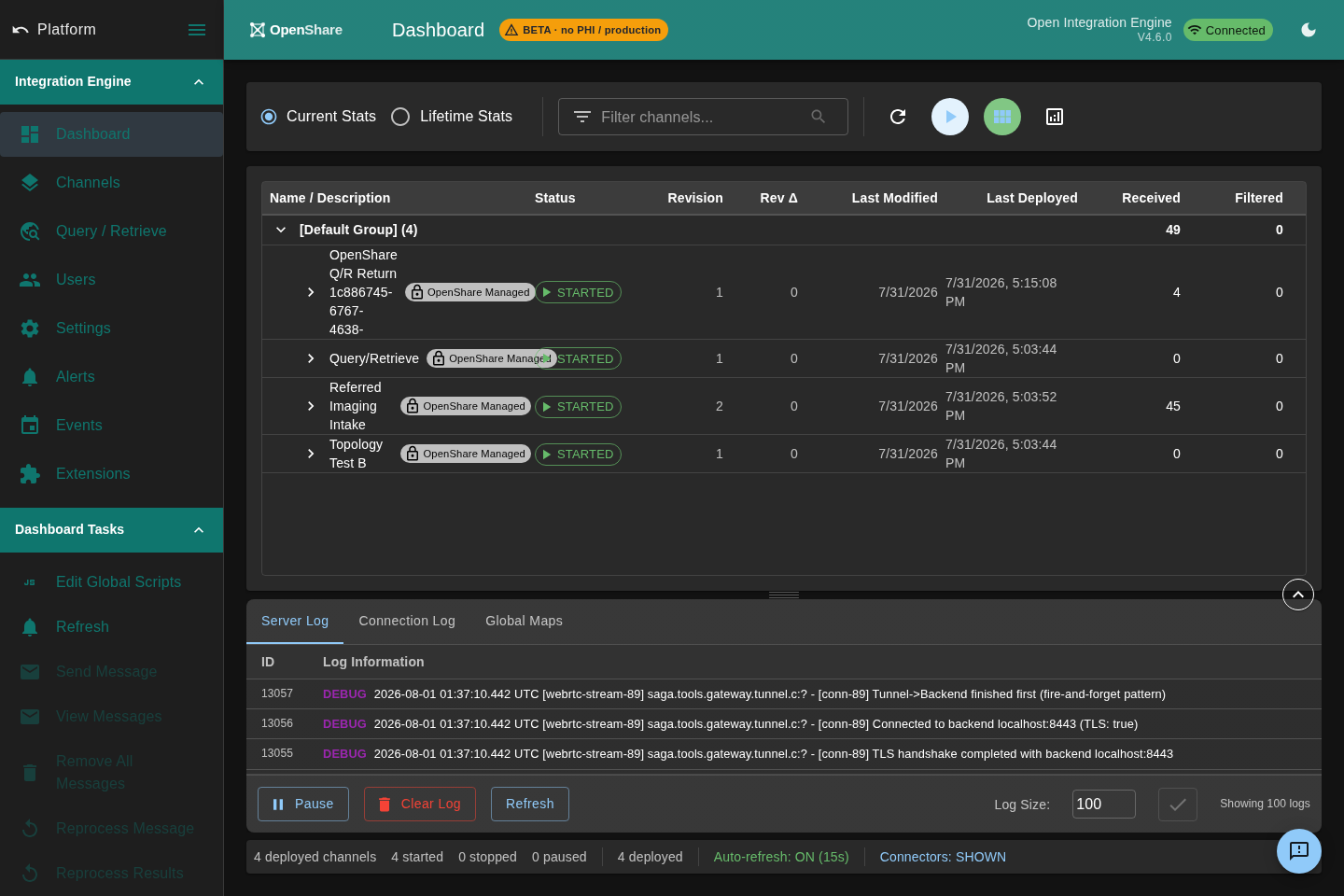
Run and administer your Mirth Connect and OIE servers from any browser: channel management, message browser, and deploys. No Java desktop client, no open ports.
See the console on openshare.health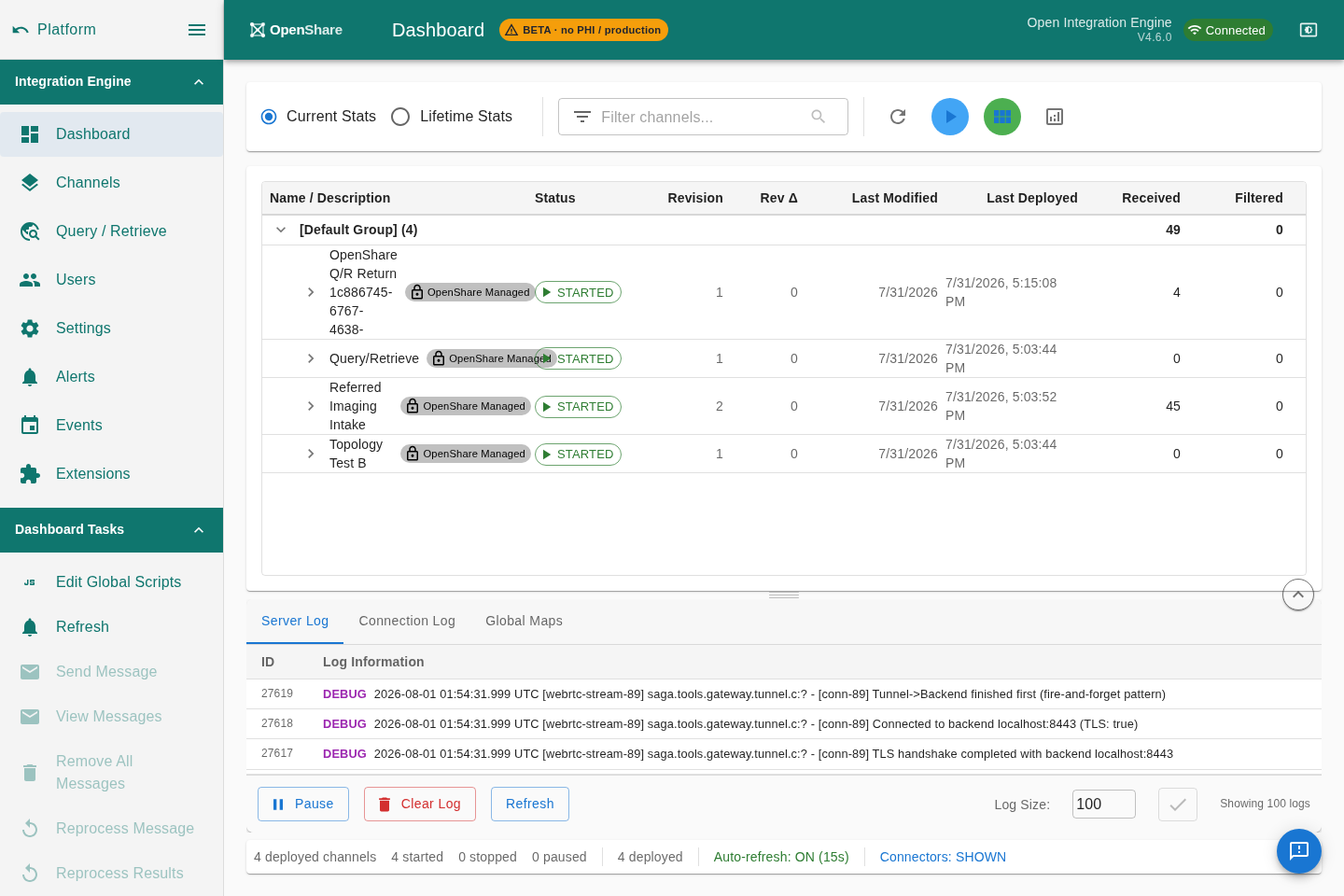
Monitor
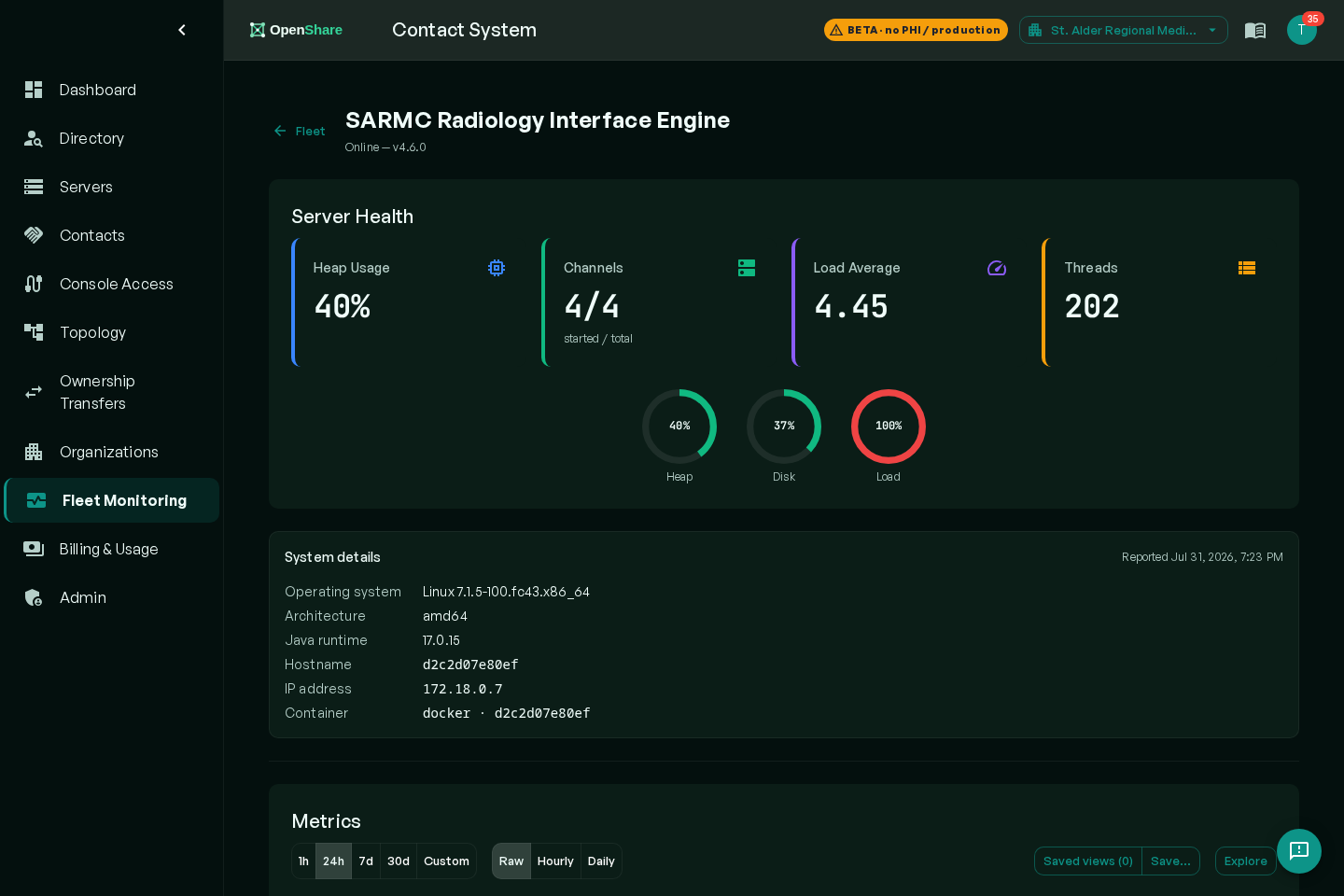
Fleet monitoring across every server: channel health, message throughput, and error rates. Configurable alerts notify your team when channels fail or queues back up.
See monitoring on openshare.health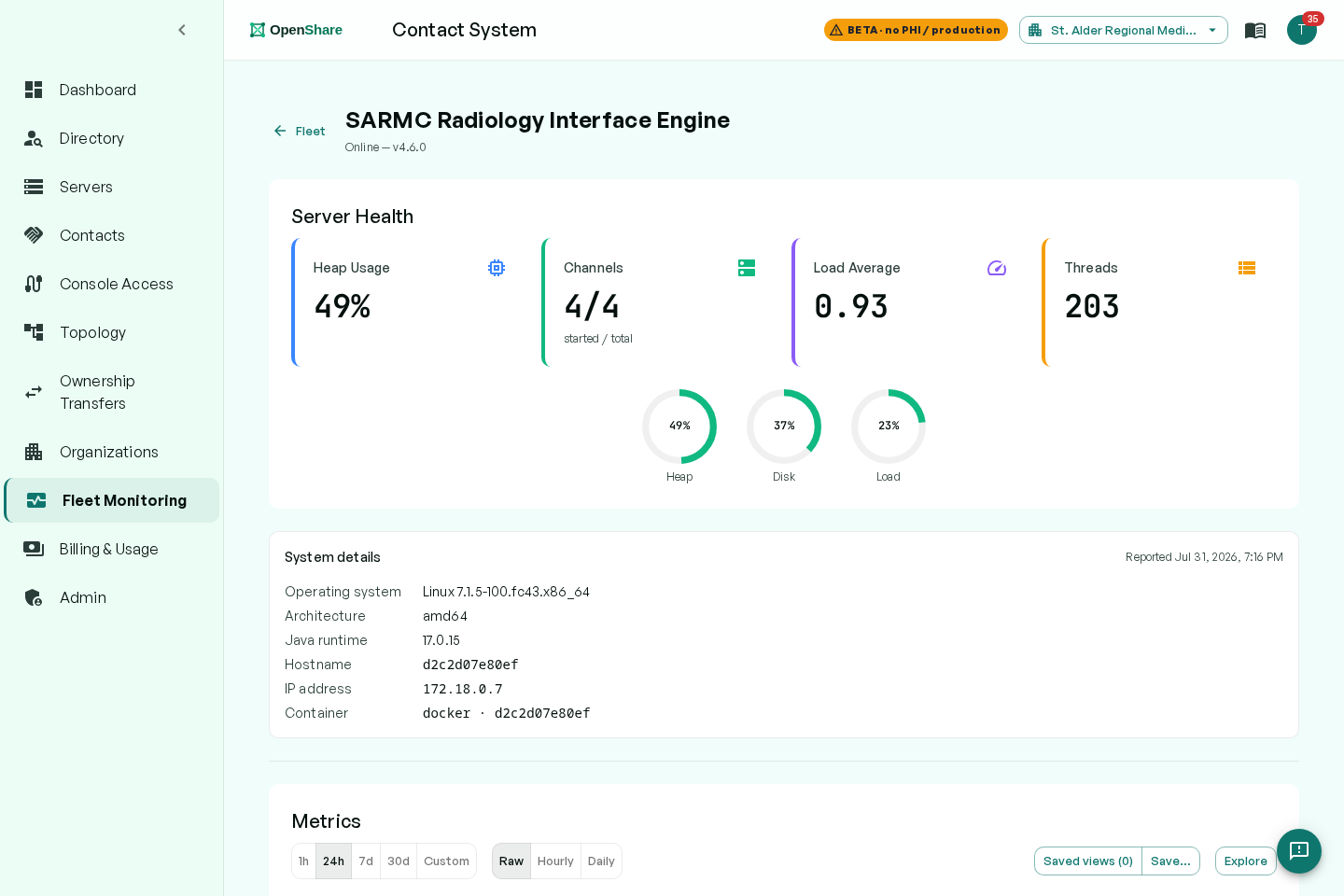
Share
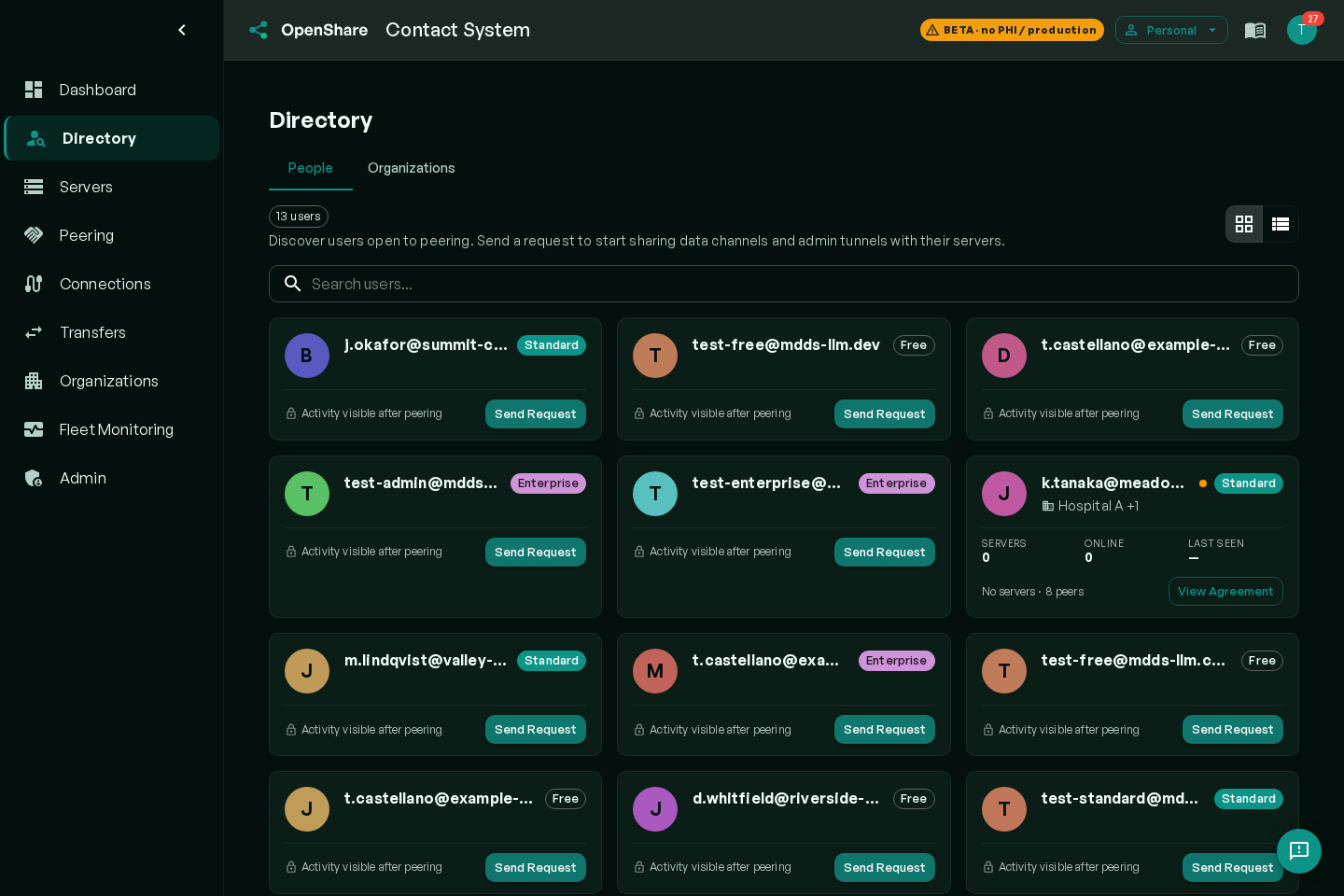
Publish channels and exchange HL7 messages, FHIR resources, and files with partner organizations over encrypted gateway tunnels. Outbound-only: no inbound firewall changes or dedicated circuits required.
See exchange on openshare.health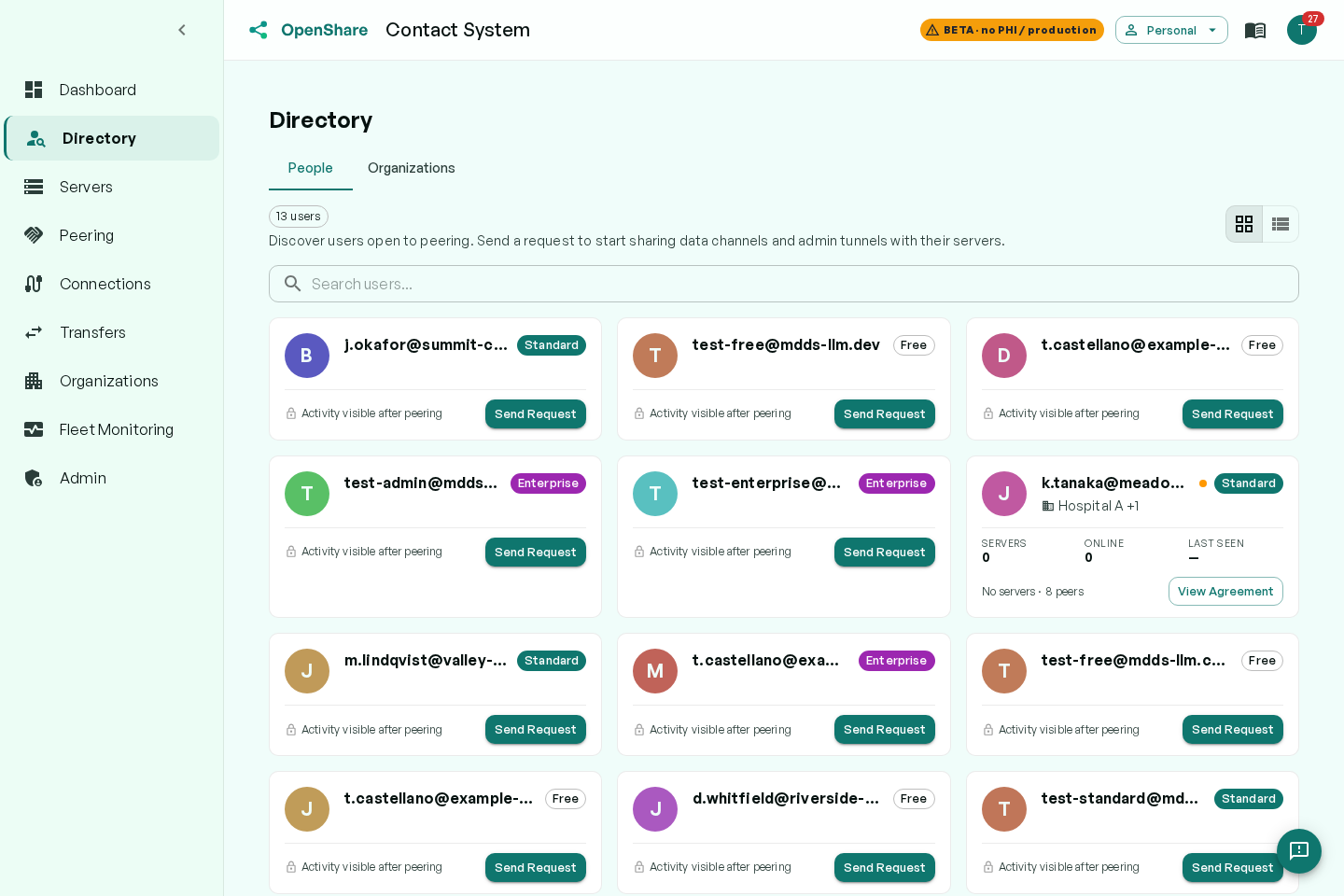
Moving from Mirth Connect?
OIE is fully compatible with Mirth Connect channels and configurations. Your existing interfaces transfer without modification. For organizations that need professional Mirth Connect migration support (including compatibility assessment, parallel-run validation, and zero-downtime cutover), our integration team has deep experience across both platforms. For background on why teams are migrating, see Mirth Connect alternatives in 2026.
Common Questions
The last fully open-source Mirth Connect release was 4.5.2. After NextGen Healthcare moved later versions (4.6 and up) to commercial licensing, the open-source lineage continues as the Open Integration Engine (OIE): a free, community-maintained engine that is fully compatible with existing Mirth Connect channels, code templates, and configurations. We recommend OpenShare Engine, Saga IT's open-source build of OIE, as an installer or Docker image. Upstream OIE is also available. The current releases of both are built on OIE 4.7.0, which fixes the three vulnerabilities in CISA advisory ICSMA-26-253-01. The MirthSync plugin adds Git-based version control to either.
The Open Integration Engine (OIE) is a free, open-source healthcare integration engine forked from Mirth Connect after NextGen Healthcare transitioned Mirth Connect to commercial licensing. OIE is fully compatible with existing Mirth Connect channels, code templates, and configurations. It is maintained by the open-source community and supported professionally by Saga IT.
Yes. OIE is free and open-source software, licensed under the same open-source terms as the original Mirth Connect codebase. There are no per-server fees, per-message fees, or subscription costs for the integration engine itself. Saga IT offers optional professional support and consulting services for organizations that need expert assistance.
The OpenShare Gateway is a plugin for Mirth Connect and OIE servers that connects them to OpenShare, an integration platform built on OIE. It powers three capabilities from one browser console: operating your integration servers (channel management, message browser, deploys, no Java client, no open ports), monitoring your whole fleet (channel health, throughput, error-rate alerting), and sharing channels and data with partner organizations over encrypted gateway tunnels. The plugin is included pre-installed in the full OIE package or available as a standalone download for existing servers.
Yes. OIE maintains full channel format compatibility with Mirth Connect: your existing channels, code templates, JavaScript transforms, and configuration maps transfer without modification. For professional migration assistance including compatibility testing, parallel-run validation, and zero-downtime cutover, see our OIE consulting services.
Yes. Saga IT provides professional consulting and support for OIE deployments, including migration from Mirth Connect, channel development, cloud-native deployment on AWS and Azure, CI/CD implementation with MirthSync, and 24/7 managed services. Visit our OIE services page for details.
OIE requires Java 17 or later, runs on Linux, Windows Server, or macOS, and needs a minimum of 4 GB RAM (8 GB recommended) with 2 GB of disk space. The OpenShare Gateway requires outbound HTTPS access on port 443 to connect to OpenShare. Connections are outbound-only, so no inbound firewall changes are needed. Both Docker images and traditional installers are available.
Need Help with OIE?
Whether you're migrating from Mirth Connect or deploying a new integration engine, our team can help.