Kymolog
Kymolog™ is medical device integration software. It codes each device reading to FHIR R4, files it in Epic, Oracle Health or five more EHRs, and keeps the same record for research analytics.
Updated
Medical device integration software for the chart and the study
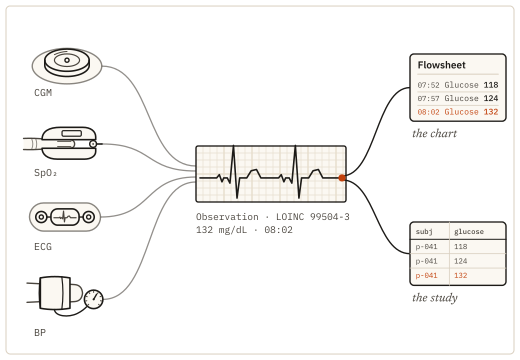
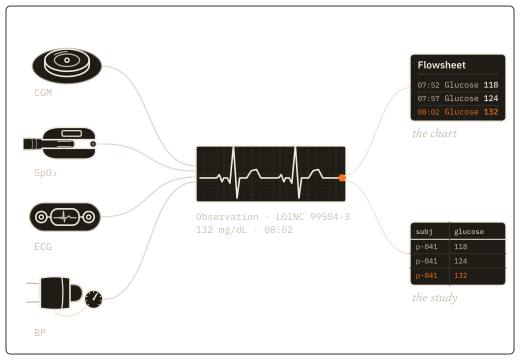
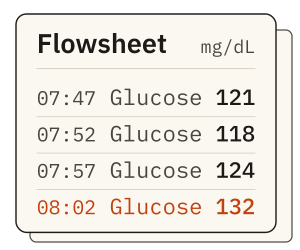
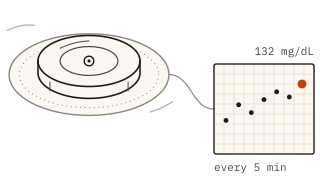
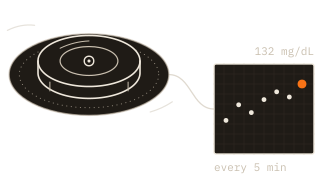
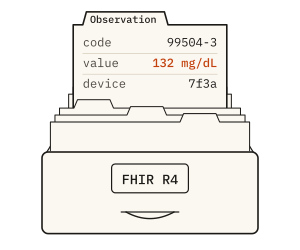
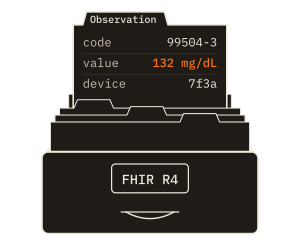
A continuous glucose monitor reports 132 mg/dL at 08:02. Kymolog writes that value once, as a FHIR R4 Observation with its LOINC code, its UCUM unit, the device that took it and the device’s own clock time. The nurse sees it in the flowsheet. The study dataset gets the same record, and nobody retypes it.
Hospitals use Kymolog to chart bedside device readings. Device makers use it to deliver their readings to hospital EHRs. Researchers and trial sponsors use the same records for analysis, with the provenance attached.
{
  "resourceType": "Observation",
  "status": "final",
  "code": { "coding": [{ "system": "http://loinc.org",
            "code": "99504-3" }] },
  "subject": { "reference": "Patient/p-041" },
  "effectiveDateTime": "2026-10-03T08:02:00-04:00",
  "valueQuantity": { "value": 132, "unit": "mg/dL",
                     "system": "http://unitsofmeasure.org" },
  "device": { "reference": "Device/7f3a" }
}- LOINC 99504-3, glucose in interstitial fluid: what was measured, coded so every EHR and every study reads it the same way.
- Patient reference, matched by bed and encounter at the FHIR store.
- Effective time 08:02, from the device clock and kept apart from the time Kymolog received it.
- 132 mg/dL, with its UCUM unit.
- Device: the device that sent the reading, for provenance.
A medical device integration platform for Epic, Oracle Health and five more EHRs
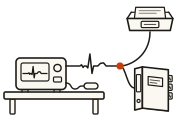
An edge agent sits beside the devices and picks up each reading as the device reports it. Kymolog codes the reading to FHIR R4, stamps the device and the time, links the patient, encounter and bed, and delivers it to the EHR the hospital already runs.
Where the hospital’s EHR supports SMART on FHIR, clinicians can open the review queue inside the chart. Epic launch works today, and each deployment chooses whether to use it.
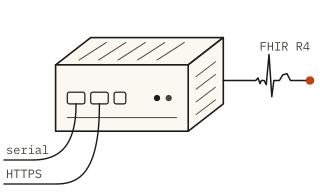
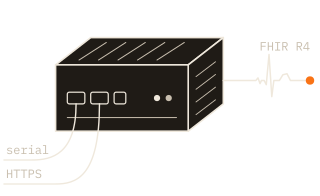
- 01
Capture at the edge agent
An agent beside the devices takes each reading as the device sends it. - 02
Code to FHIR R4
A device manifest maps every value to its LOINC code and UCUM unit. - 03
Stamp the device and the time
The device and its own clock time travel with the value. - 04
Link the patient, encounter and bed
Readings that cannot be matched wait in a review queue. - 05
Deliver to the EHR
Over FHIR R4 or HL7 v2, whichever the site runs.
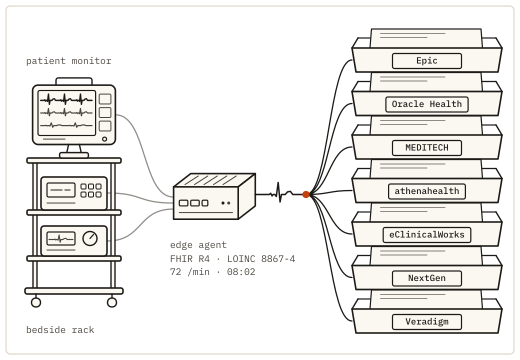
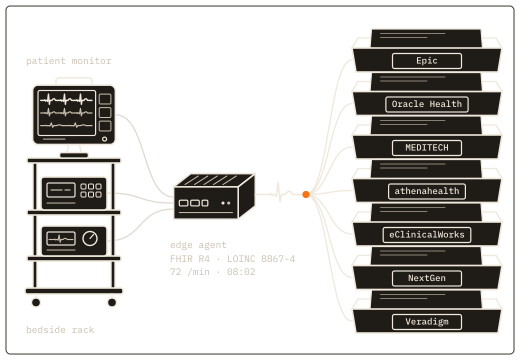
Device classes Kymolog supports
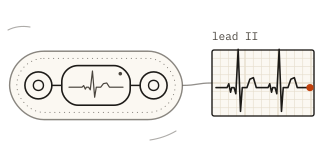
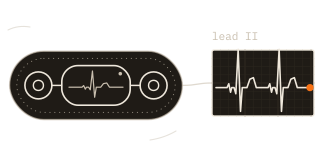
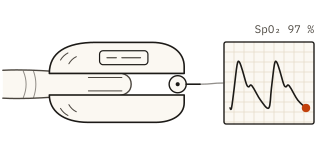
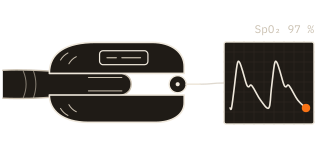
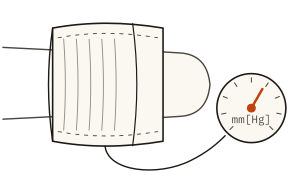
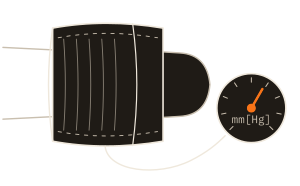
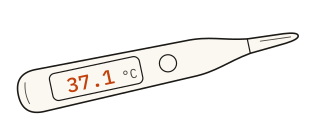
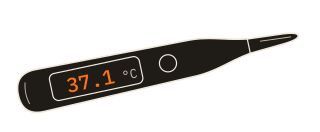
Named by class. A new device type is added through a configuration manifest that maps each value to its LOINC code and UCUM unit, with no custom code.
Medical device data analytics for research
The record that reaches the chart also lands in the research store, with its provenance attached: which device took it, by which clock, under which code, and a version for each change. Researchers analyze device data from ICU and ward beds without rebuilding where each value came from.
Sites that want to share data can add the data network, a separate Saga service for consent, de-identification, dataset licensing and royalties. How Kymolog records provenance covers each field.
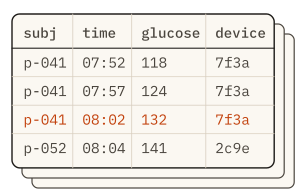
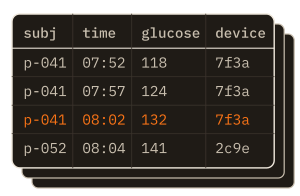
| Field | Example | Why a study needs it |
|---|---|---|
device | Device/7f3a, a CGM | Separates readings by device, for sensitivity analysis and recalls |
effective | 08:02, the device clock | The time the reading was taken |
received | 08:02:41 at the edge agent | Shows capture lag and clock drift |
code | LOINC 99504-3, mg/dL | One meaning across sites and devices |
version | v2, corrected at 09:15 | An audit trail with a version for each change |
Where the Kymolog install runs
The install runs on premise or in its operator’s own cloud: a hospital’s private cloud, or a device maker’s cloud when the maker runs Kymolog for its hospital customers. The research store runs on premise or in Saga’s cloud.
De-identification runs inside the install’s environment, so a Saga-hosted research store holds de-identified readings only. When a device maker runs the install, identified readings sit in the maker’s cloud under its agreements with each hospital.
Who uses Kymolog
-
Device makers
Deliver your device’s readings to hospital EHRs and keep their provenance for post-market surveillance.Kymolog for device makers → -
Hospitals
Chart bedside device readings without retyping, each one linked to the patient in that bed.Kymolog for hospitals → -
Researchers
Study physiological data from ICU and ward beds, with the device and time on every value.Kymolog for researchers → -
Trial sponsors
Collect device readings for a study with the device and the time recorded at capture.Kymolog for trial sponsors →
Need the integration work around an install? Interface builds, device validation and EHR flowsheet setup come from Saga’s medical device integration services.
Medical device integration servicesKymolog questions
Epic, Oracle Health (Cerner), MEDITECH, athenahealth, eClinicalWorks, NextGen and Veradigm. Kymolog delivers over FHIR R4 or HL7 v2, whichever the site runs, so a reading files to the same flowsheet row a nurse would chart it in.
Continuous glucose monitors, ECG, pulse oximetry, blood pressure, temperature and wearables. Other devices are added through config-driven onboarding: a manifest maps each value the device sends to its LOINC code and UCUM unit, with no custom code.
Each reading becomes a FHIR R4 Observation that carries its LOINC code, the value with its UCUM unit, the patient, the device that took it and the device’s own clock time. The chart and the study dataset both receive that same record.
The install (edge agent, hub, FHIR store, patient matching and EHR delivery) runs on premise or in its operator’s own cloud: a hospital’s private cloud, or a device maker’s cloud when the maker runs it for its hospital customers. The research store runs on premise or in Saga’s cloud. De-identification runs inside the install’s environment, so a Saga-hosted research store holds de-identified readings only.
The record that reaches the chart also lands in the research store with its provenance: the device, the device clock, the code and a version for each change. Sites that want to share data can add the data network, a separate Saga service for consent, de-identification, dataset licensing and royalties.
Saga IT builds and supports Kymolog. The same team delivers our medical device integration services, for interface builds, device validation and EHR flowsheet work around an install.
Request a Kymolog demo
Tell us which devices you use and which EHR you run. We reply within one business day with times to talk. In the demo, a reading from one of your device classes goes into a test chart and a research dataset.
Guides, device pages and the integration details are on kymolog.com.