HL7 Workbench
A free, browser-based HL7 v2 parser, viewer, and validator. Parse and validate messages into a navigable segment tree across 14 versions — no installation required.
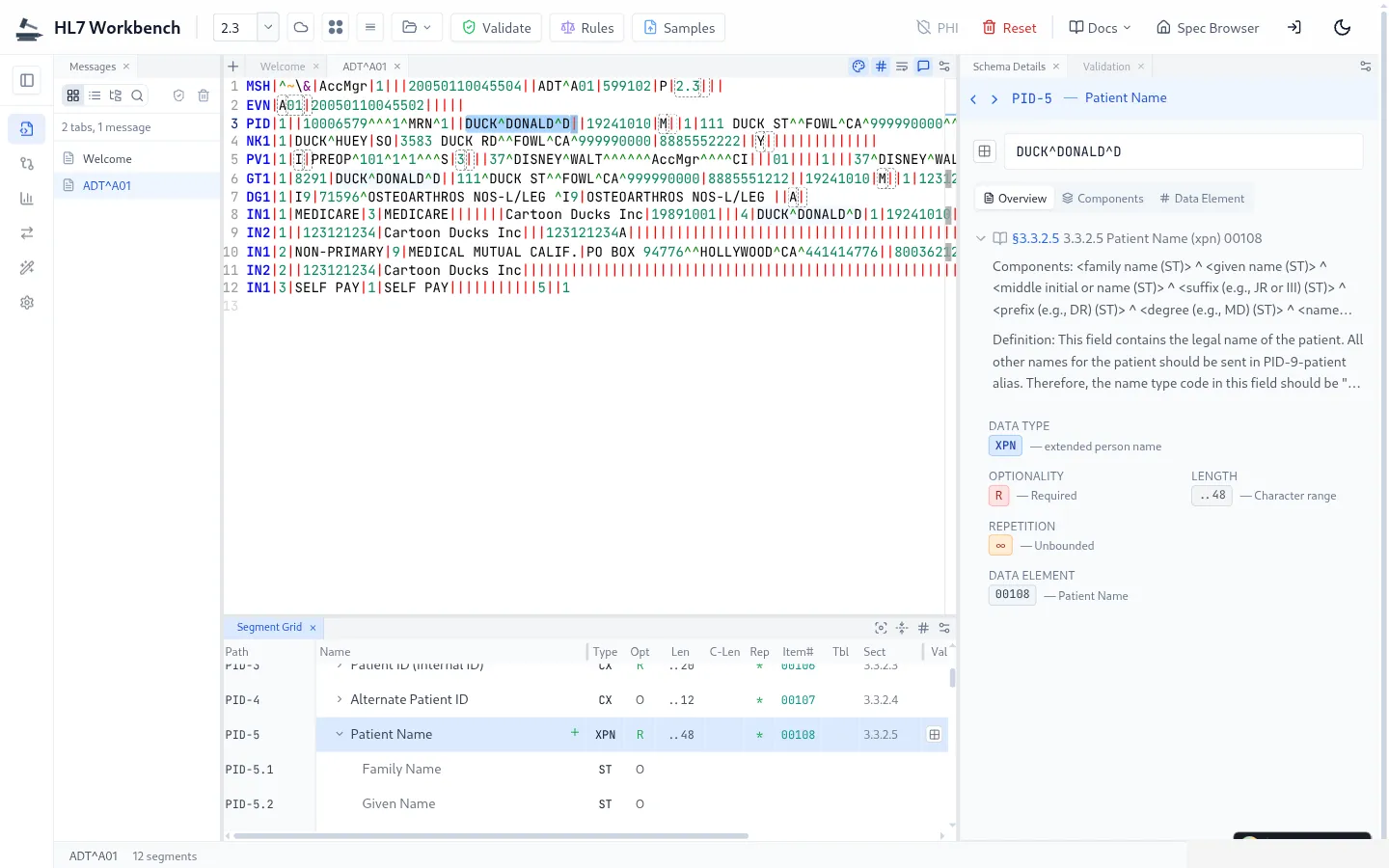
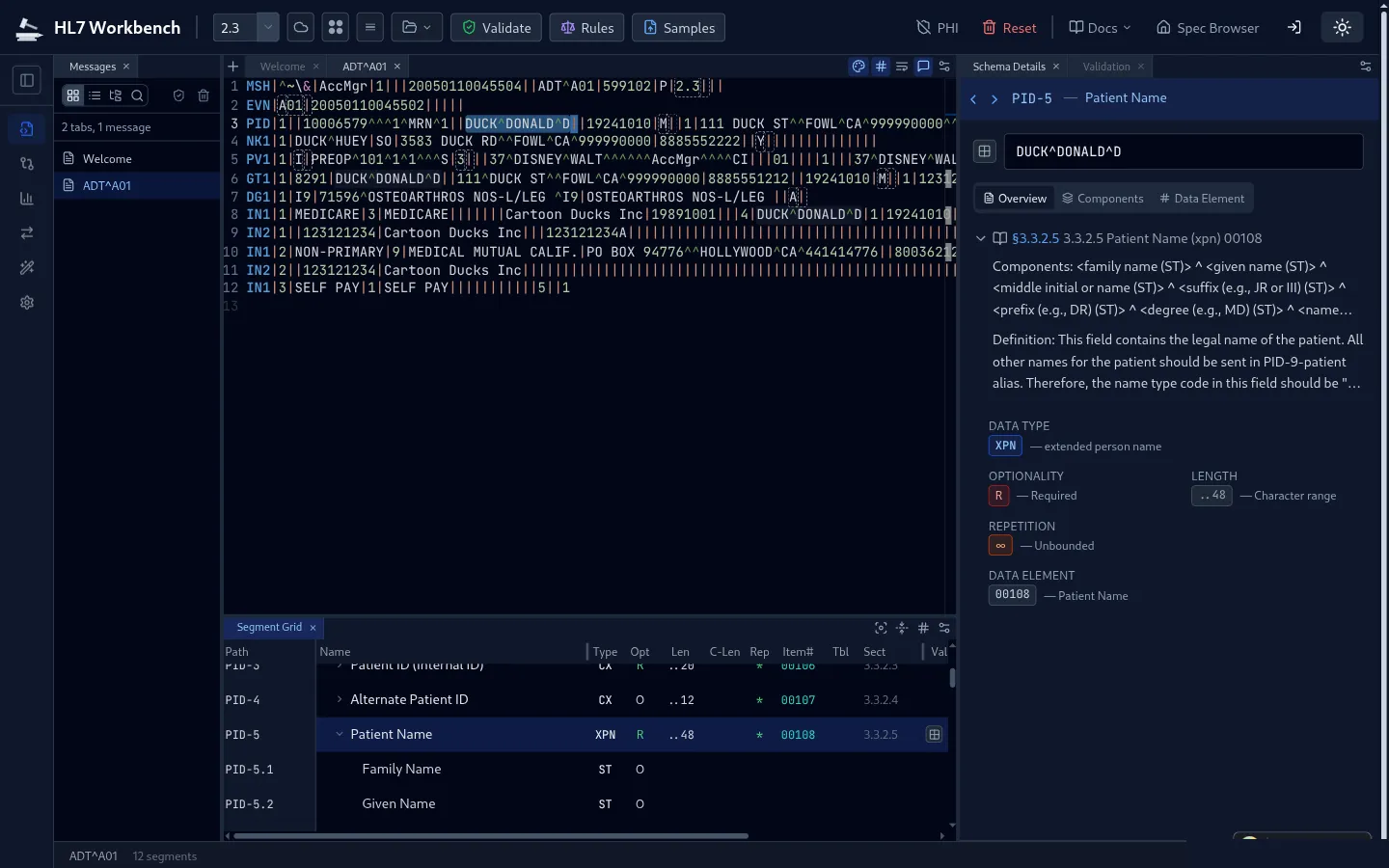
Parse, Validate & Explore HL7 v2 Messages
Everything you need to parse, validate, and understand HL7 v2 messages — in a single browser tab.
HL7 Message Parser & Viewer
Parse HL7 v2 messages into navigable tree views — view and decode every segment, field, and component. Syntax-highlighted editor with line numbers.
Real-Time HL7 Validator
Validate against HL7 specifications with conformance checking, error reporting, and segment-level diagnostics.
HL7 Specification Browser
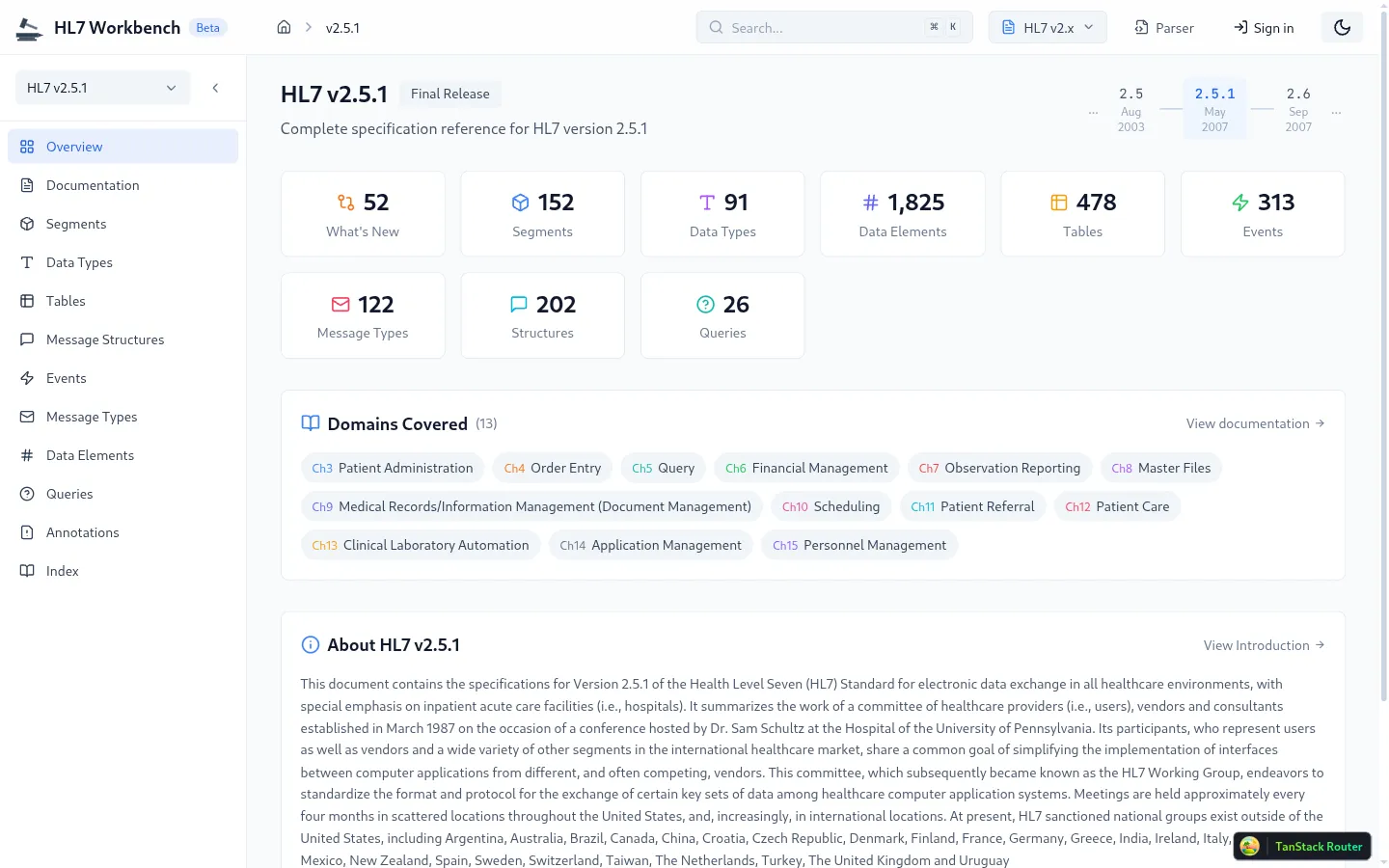
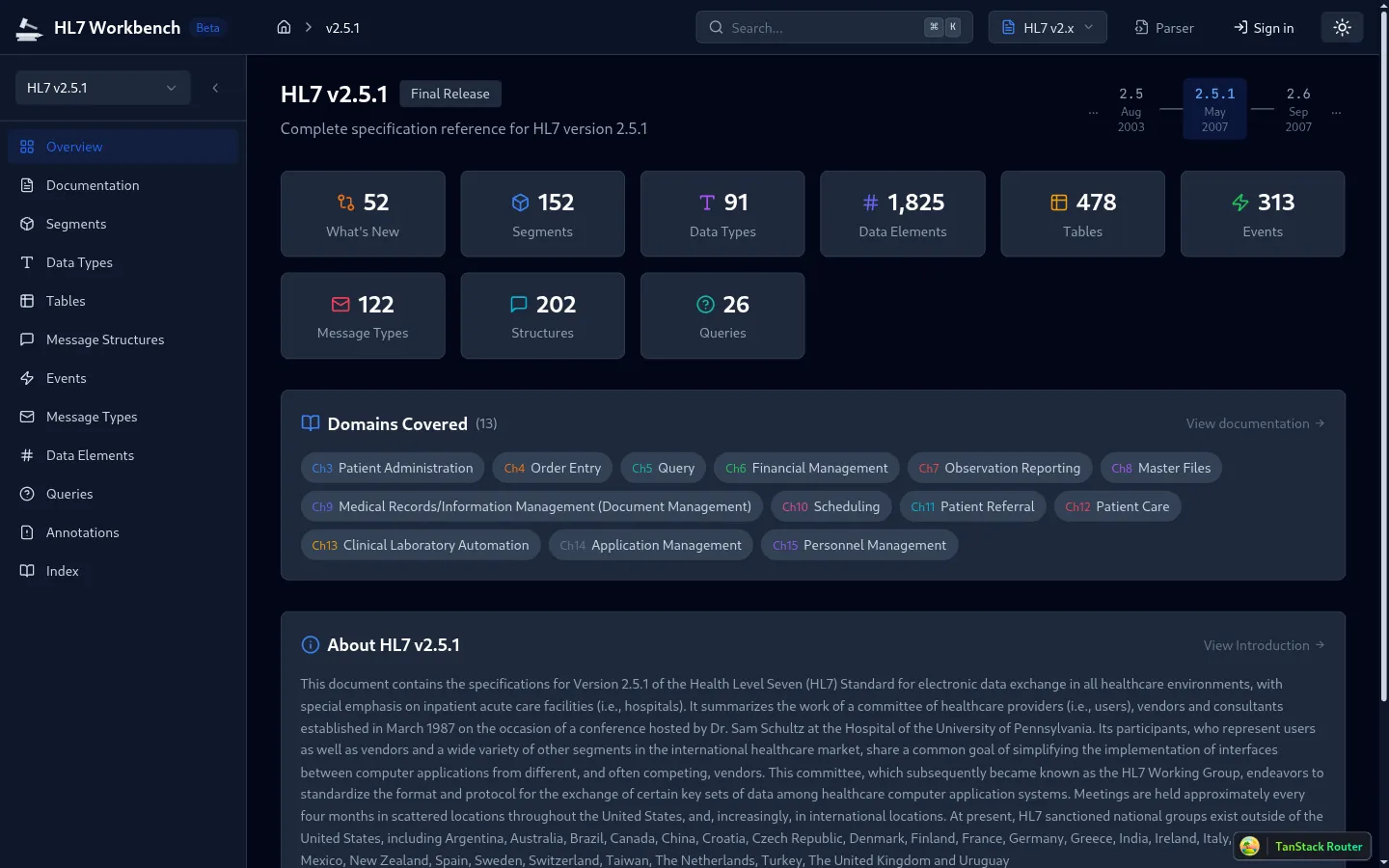
Browse all v2 segments, data types, tables, and message structures across 14 versions.
Terminology Integration
THO, LOINC, and SNOMED CT terminology lookups with FHIR concept mappings built in.
Sample Library
Built-in sample messages for every message type — ADT, ORM, ORU, and more — ready to parse and explore.
Batch Processing
Parse and validate batches of HL7 messages with aggregate statistics and error summaries.
Complete HL7 v2 Reference
Browse every segment, data type, table, and message structure across all 14 HL7 v2 versions. Searchable, cross-referenced, and always up to date.
Who Uses HL7 Workbench
Built for healthcare integration professionals at every stage of the workflow.
Interface Development
Build and test HL7 interfaces faster with instant message parsing, field-level validation, and spec lookups without leaving the browser. Pairs naturally with Mirth Connect and other healthcare interoperability workflows.
Troubleshooting
Diagnose integration failures by parsing production messages, identifying malformed segments, and validating against the correct HL7 version spec.
Training & Education
Learn HL7 v2 message structures hands-on. Browse specifications, explore real message examples, and understand segment relationships interactively.
Common Questions
Yes. HL7 Workbench is a free, browser-based HL7 v2 parser, viewer, and validator, launching soon. There is nothing to install and no account to create — you load an HL7 message and it is parsed into a navigable segment tree right in your browser.
All 14 HL7 v2 versions, from v2.1 through the latest v2.9. The built-in specification browser covers every segment, data type, value table, trigger event, and message structure for each version, so you can parse and validate against the exact version your interface uses.
Yes. Parsing, validation, and formatting all run client-side in your browser — your HL7 messages are never uploaded to a server. That makes it safe to inspect production-like messages without sending protected health information anywhere.
Yes. The validator checks messages against the selected HL7 v2 specification in real time, with conformance checking, error reporting, and segment-level diagnostics so you can pinpoint malformed segments, fields, and components.
Parse messages into a tree with segment, field, and component breakdown; decode coded values against HL7 tables; format and clean up raw messages; browse the full v2 specification; and load built-in sample messages for ADT, ORM, ORU, and more.
No — HL7 Workbench runs entirely in the browser, so it works on any operating system without a download. It pairs naturally with Mirth Connect and broader HL7 integration workflows when you take an interface to production.
HL7 Workbench — Coming Soon
HL7 Workbench is under active development. In the meantime, explore our HL7 documentation and integration services.